Pixel art ideas
Eight things to draw, ordered from easiest to hardest. Each one lists the size and palette that actually works, with real sprites you can open, edit, and download.
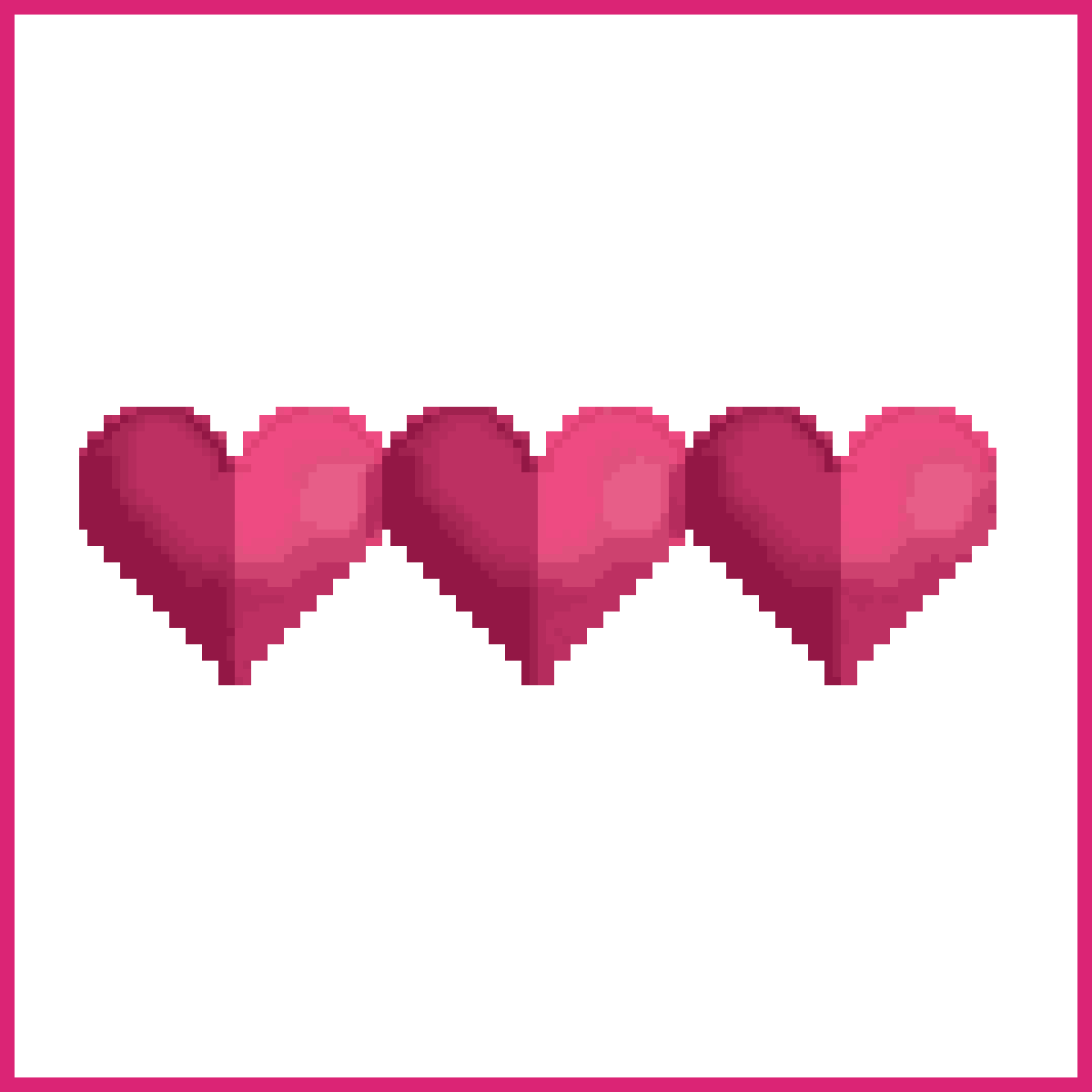
Pixel hearts
A pixel heart is the best first thing to draw, because it reads correctly at 8x8 and needs only three colours.
Start with the classic Zelda-style heart. Two bumps on top, a point at the bottom, a single lighter pixel in the upper left for the highlight. That's it. If you can place those three tones you've already learned the shading rule that every other sprite on this page uses.
Then draw it again at 16x16 and watch what changes. More pixels means you can round the bumps and add a second shadow tone, which is the first real lesson in pixel art. Detail is not free. It costs you the crispness that made the 8x8 version readable.



Pixel art food
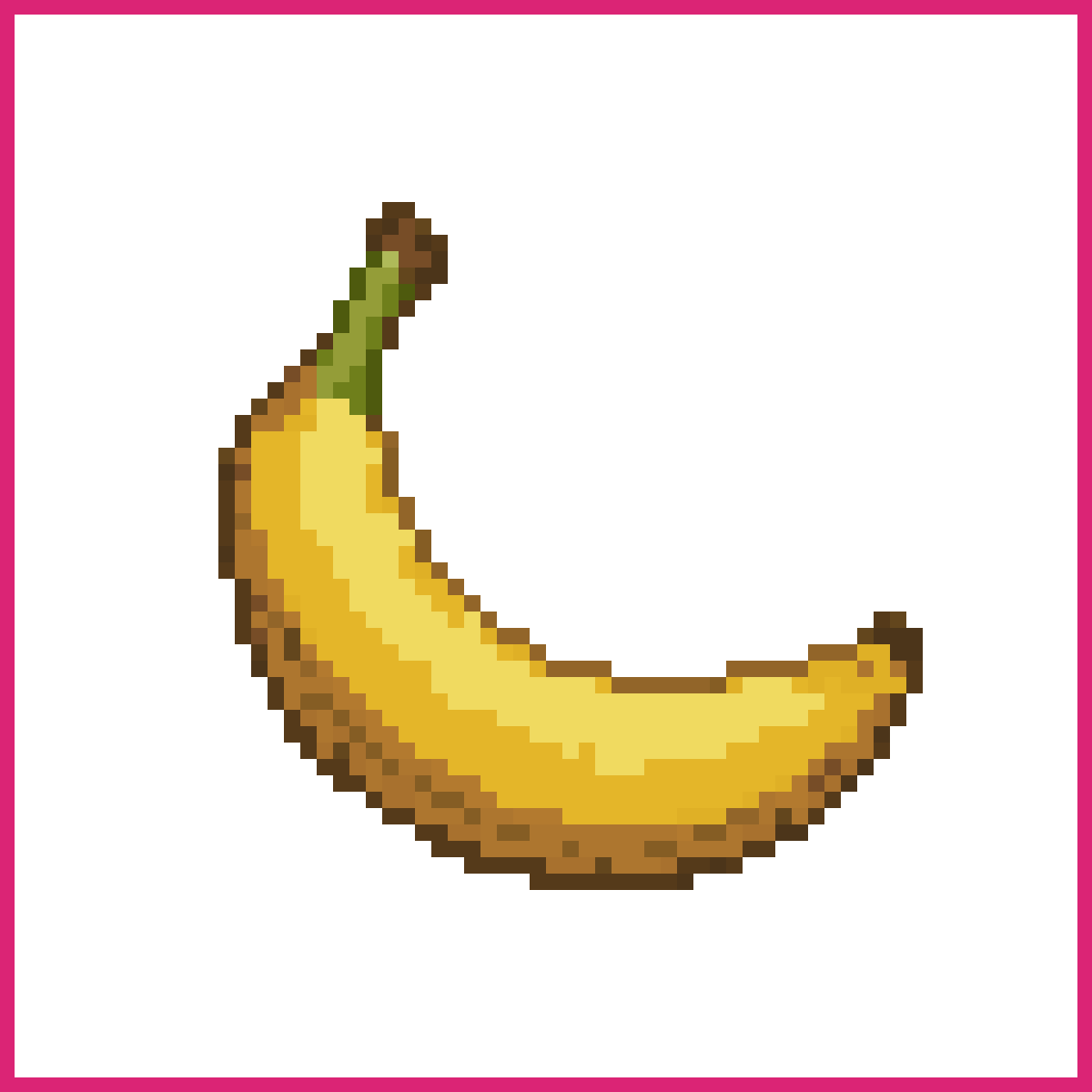
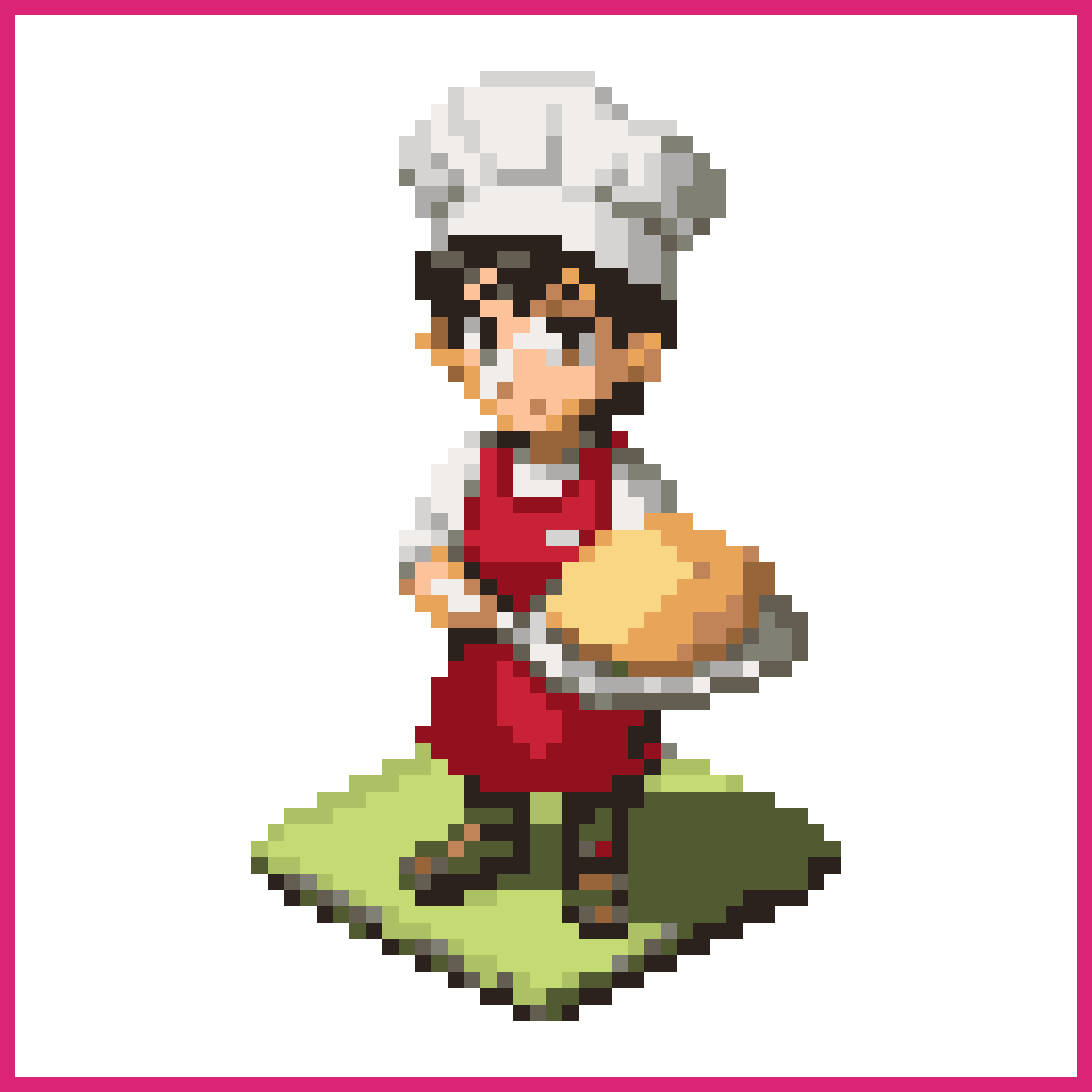
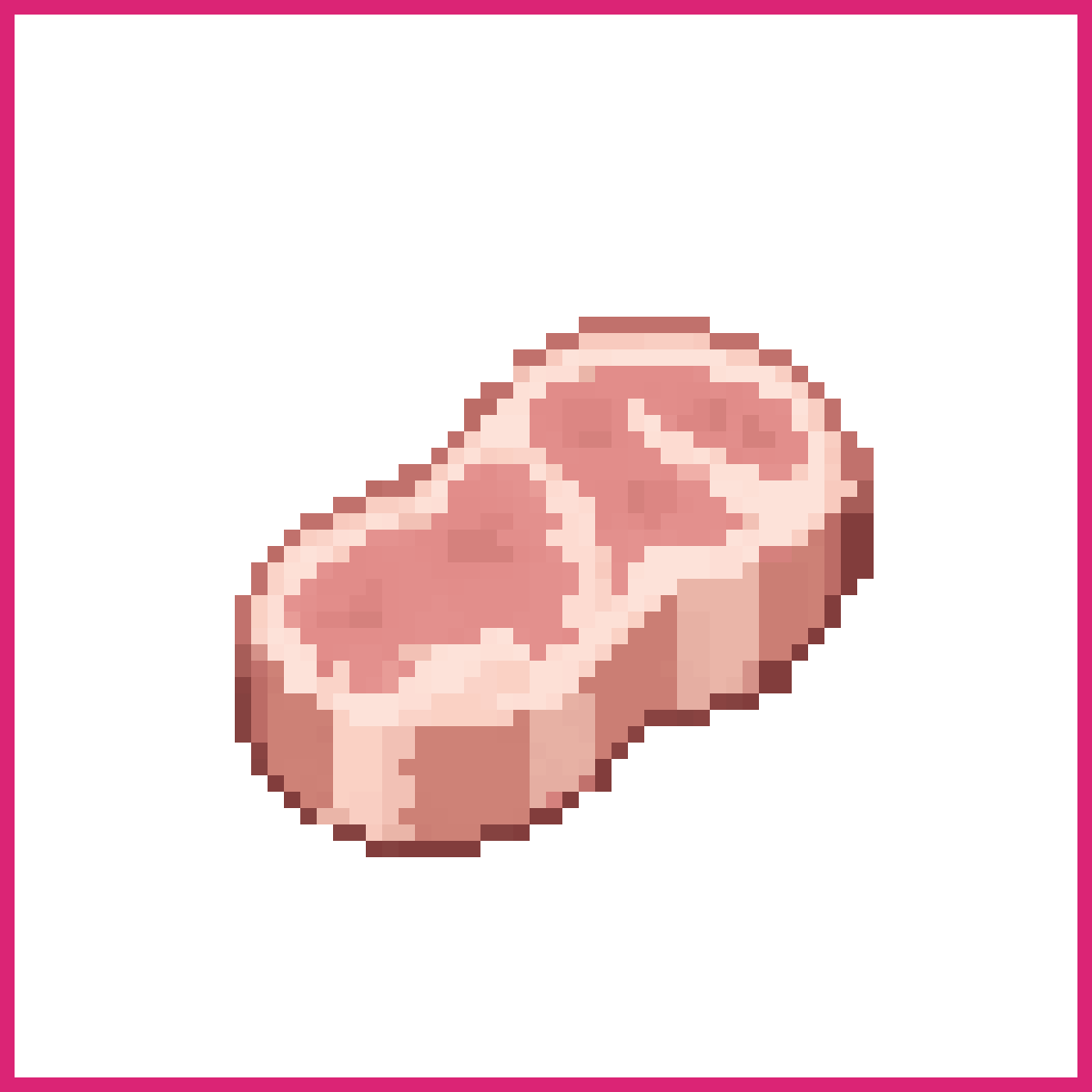
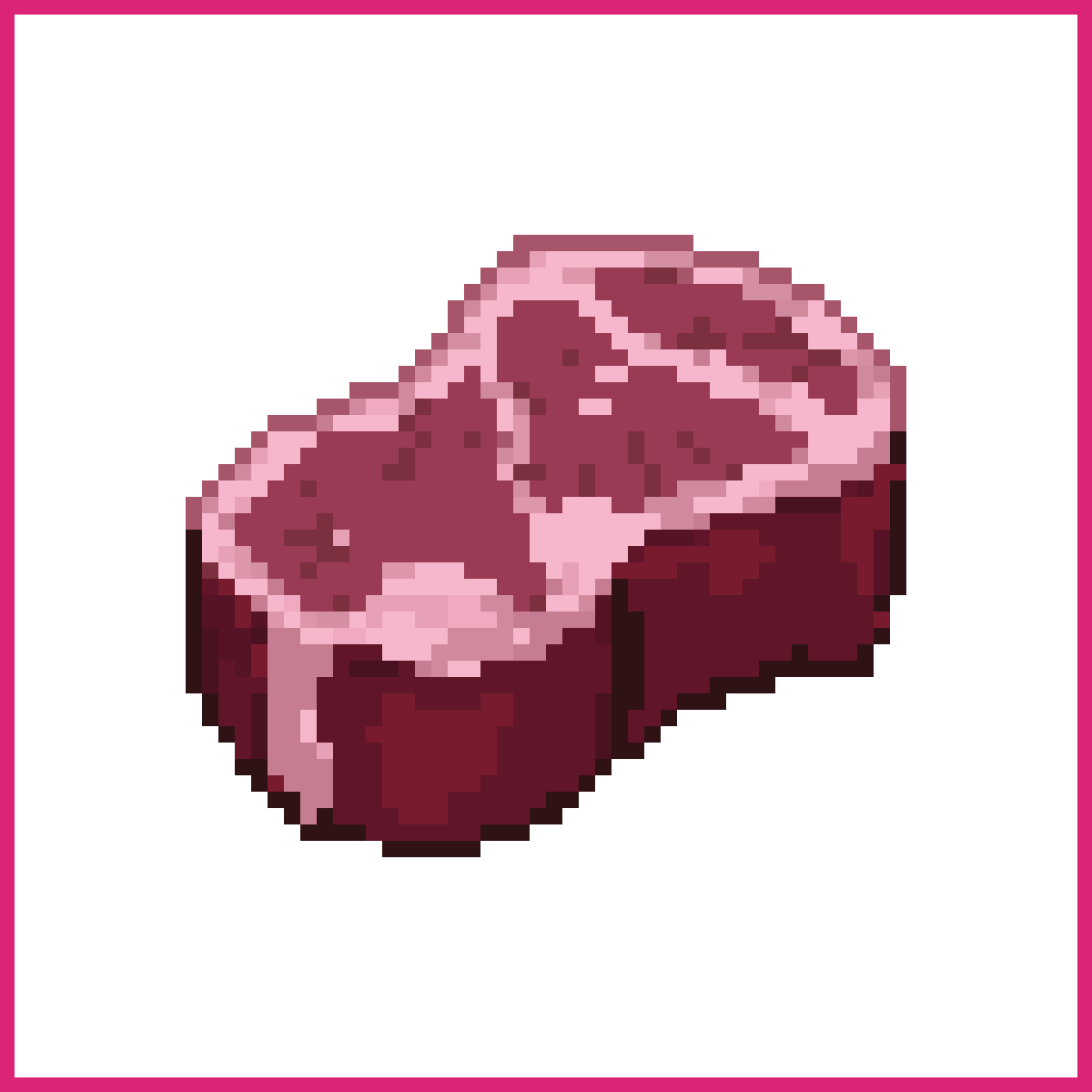
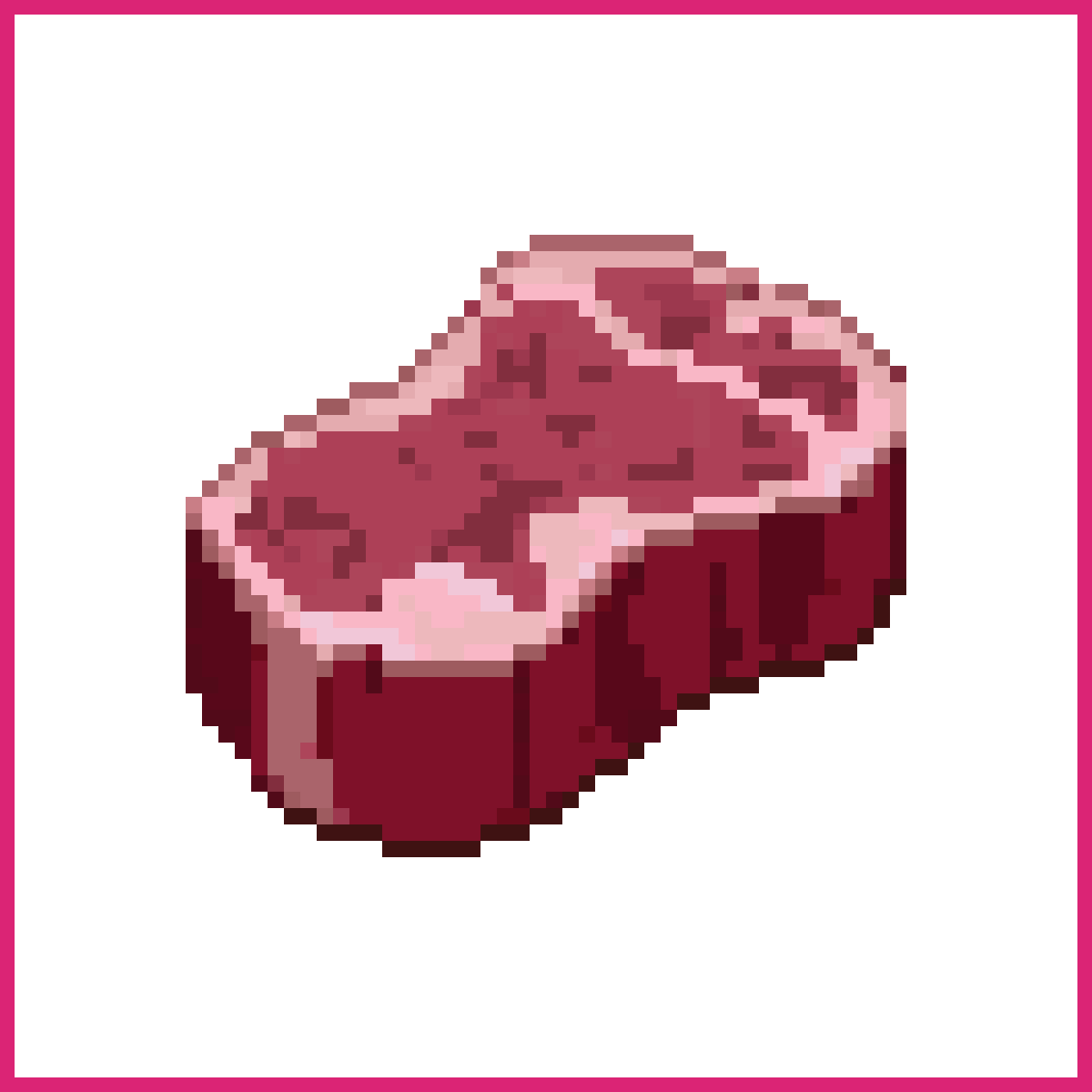
Food sprites teach silhouette faster than any other subject, since a loaf, a potion and an apple have to be distinguishable at 32x32 with no labels.
This is the single most useful set to practise, and it's also the set every RPG actually needs. Inventory icons, shop windows, cooking systems. Draw a bottle, a slice of cake, a fish and a mushroom at the same size and put them side by side. The one you can't identify at a glance is the one whose outline is wrong, not whose colours are wrong.
Keep the palette tight. Four or five colours per item is plenty, and a shared outline colour across the whole set is what makes them look like they belong in the same game.
Flower pixel art
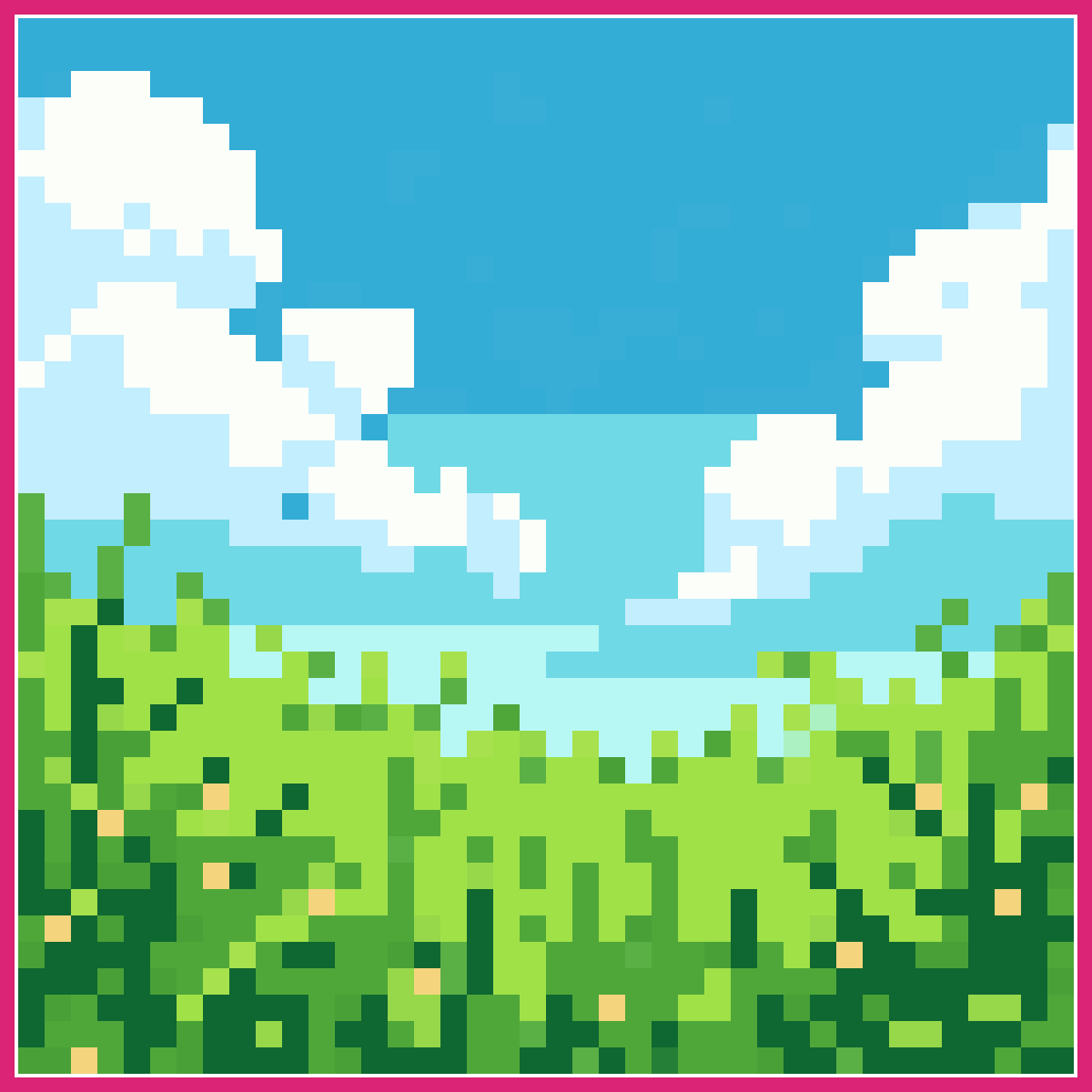
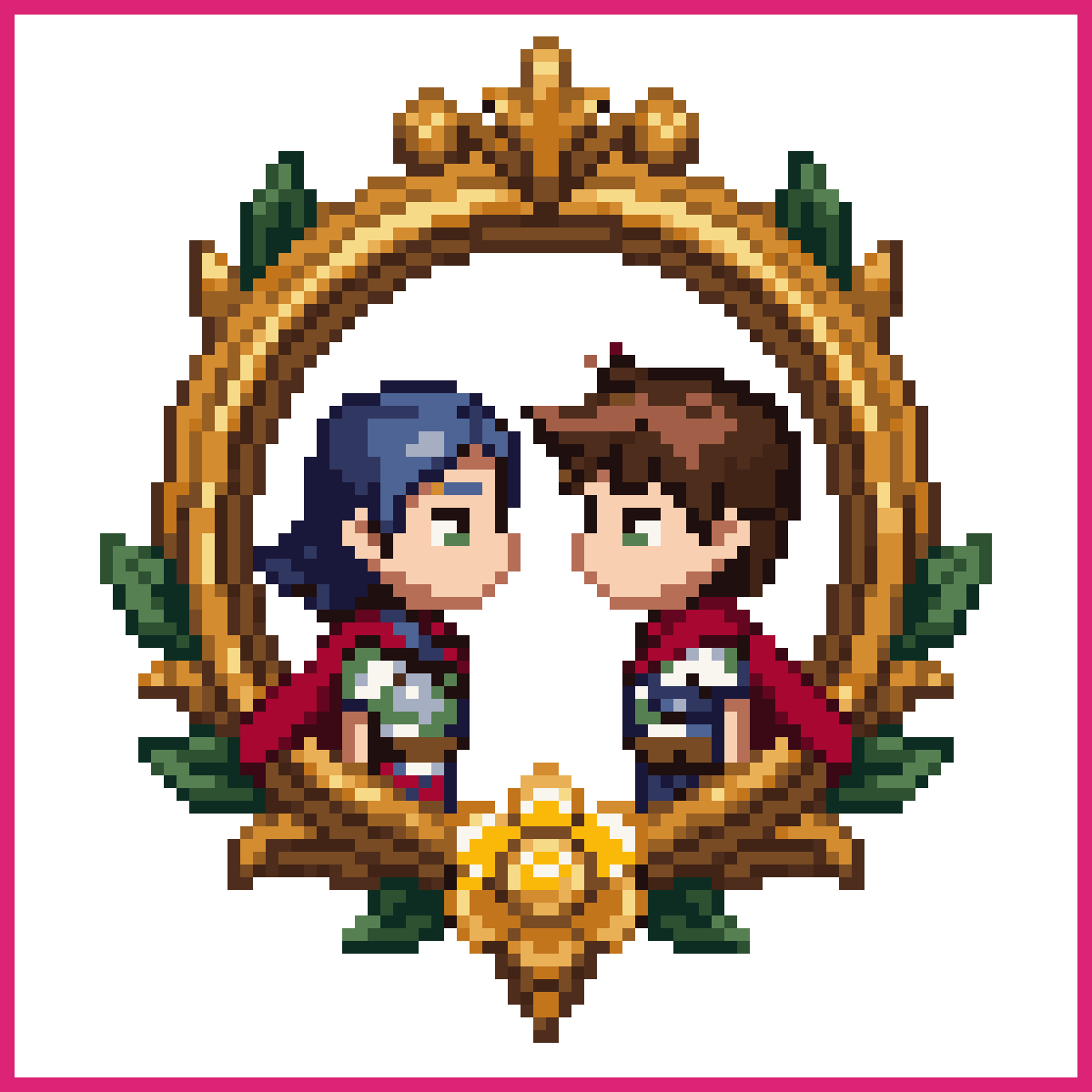
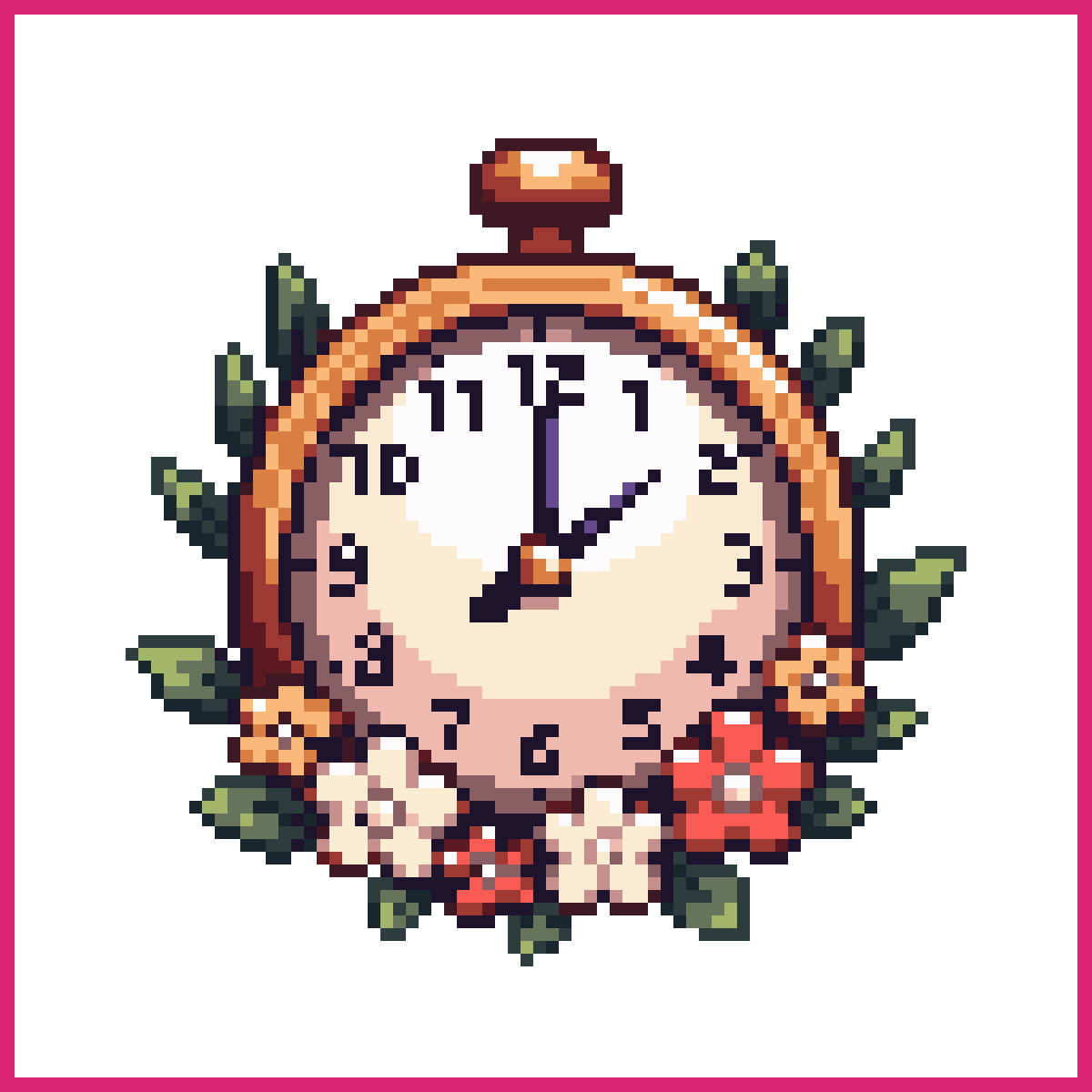
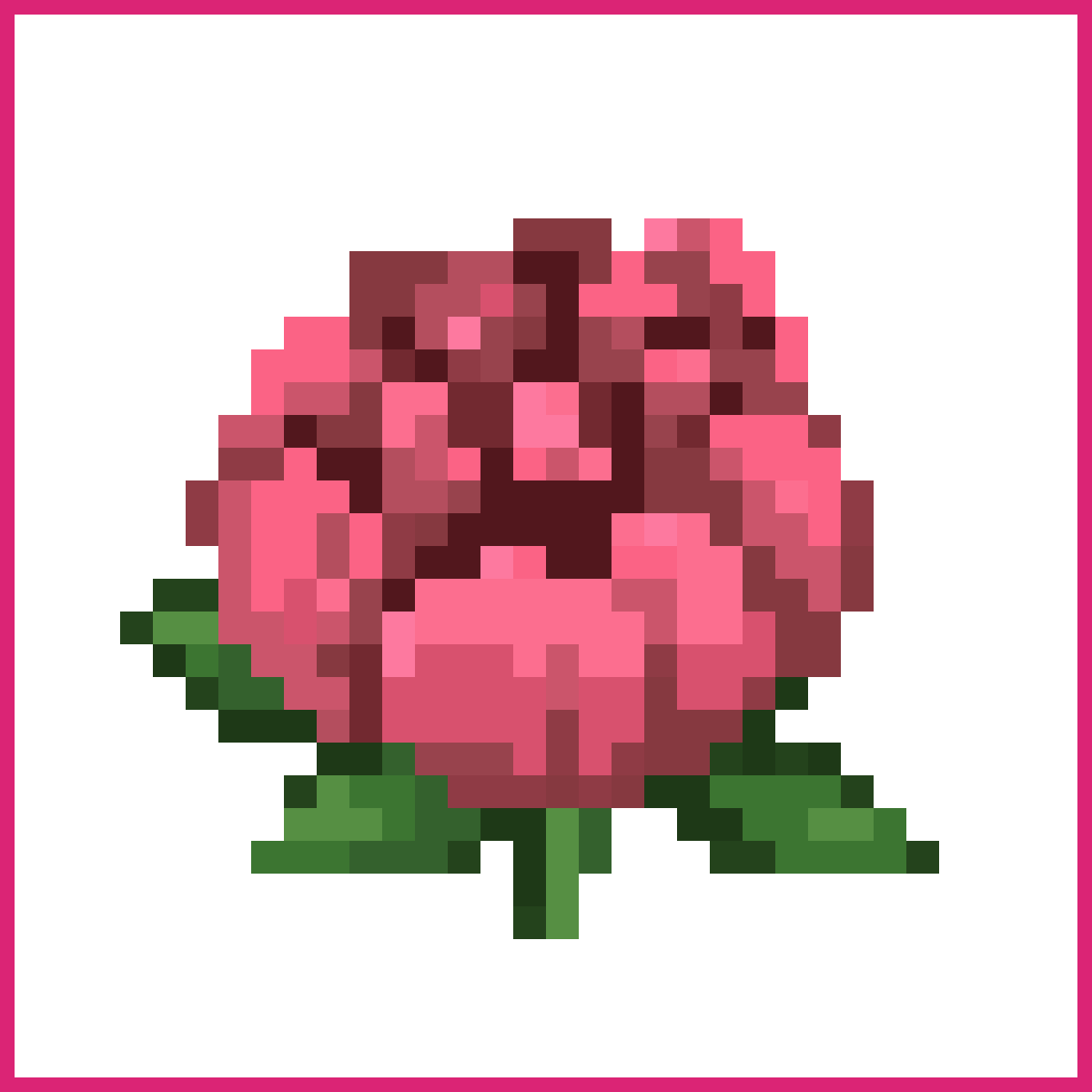
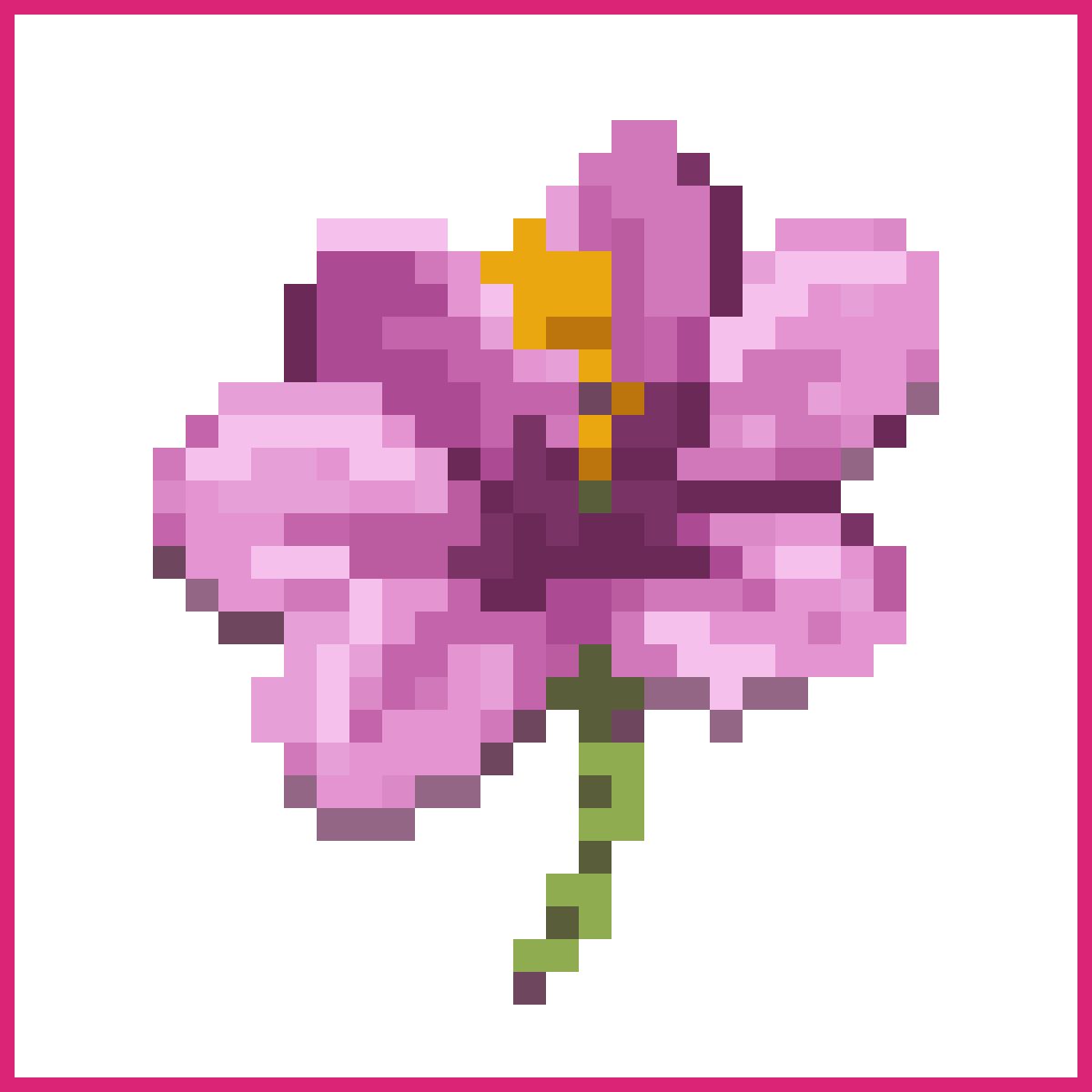
Flowers are the cheapest way to make a tile set feel alive, and a usable one fits in 16x16.
A rose, a tulip and a sunflower differ almost entirely in the head. Same stem, same two leaf pixels, different crown. Draw the stem once and reuse it, which is how actual game artists work rather than a shortcut.
Worth knowing before you start. Flowers are where dithering earns its keep, because a two-tone petal gradient across four pixels looks like mud, and a checkerboard of the same two colours reads as a soft blend.
Cat pixel art
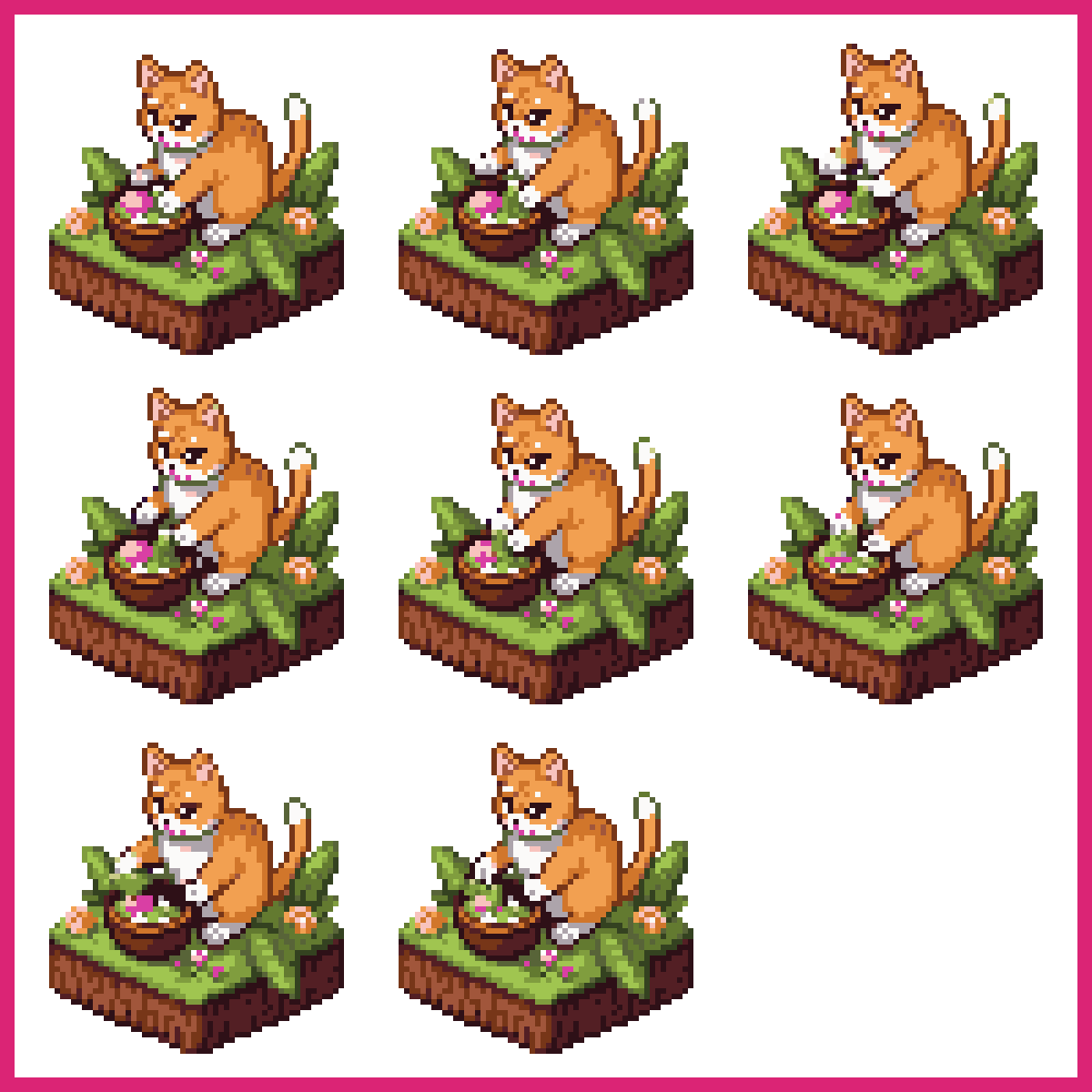
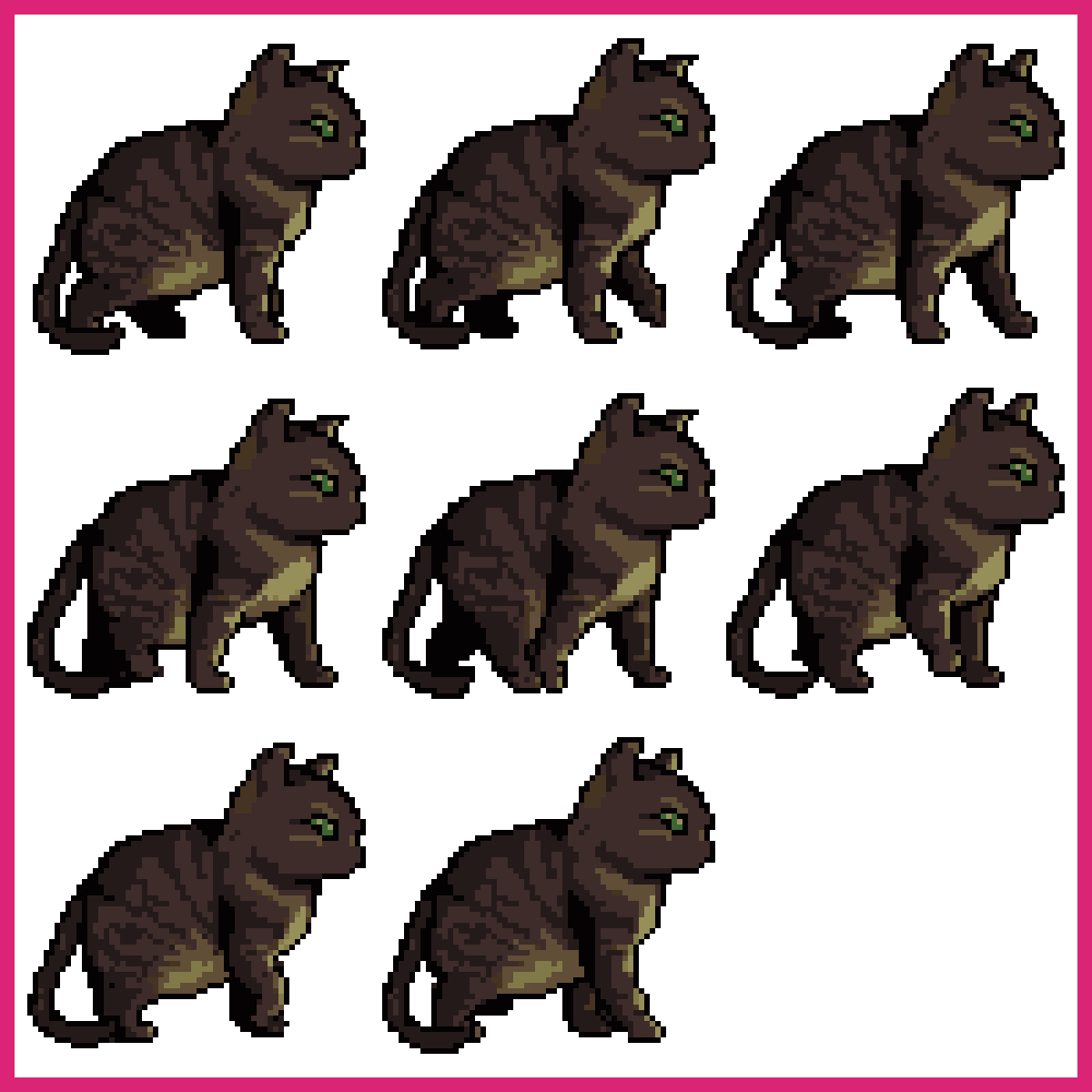
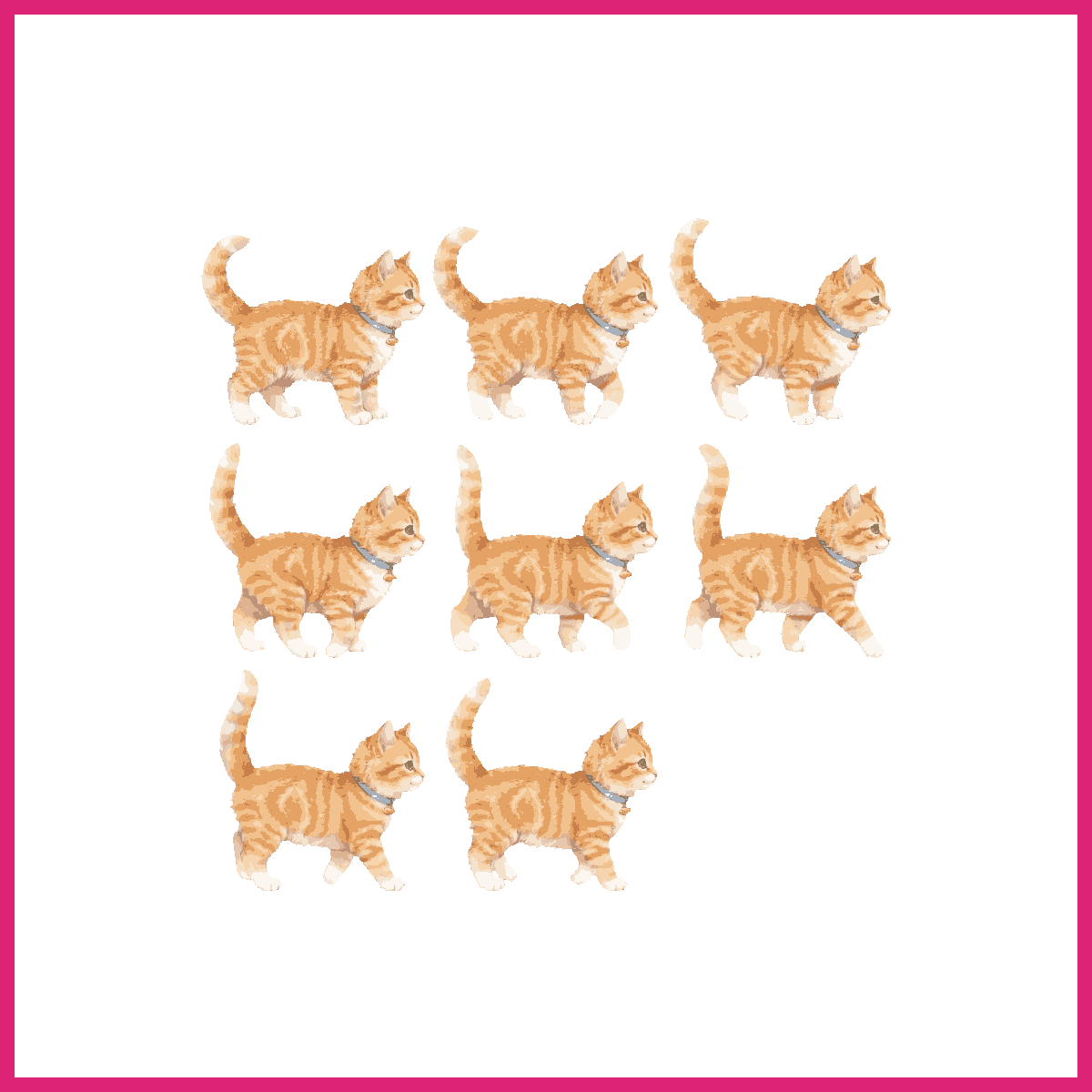
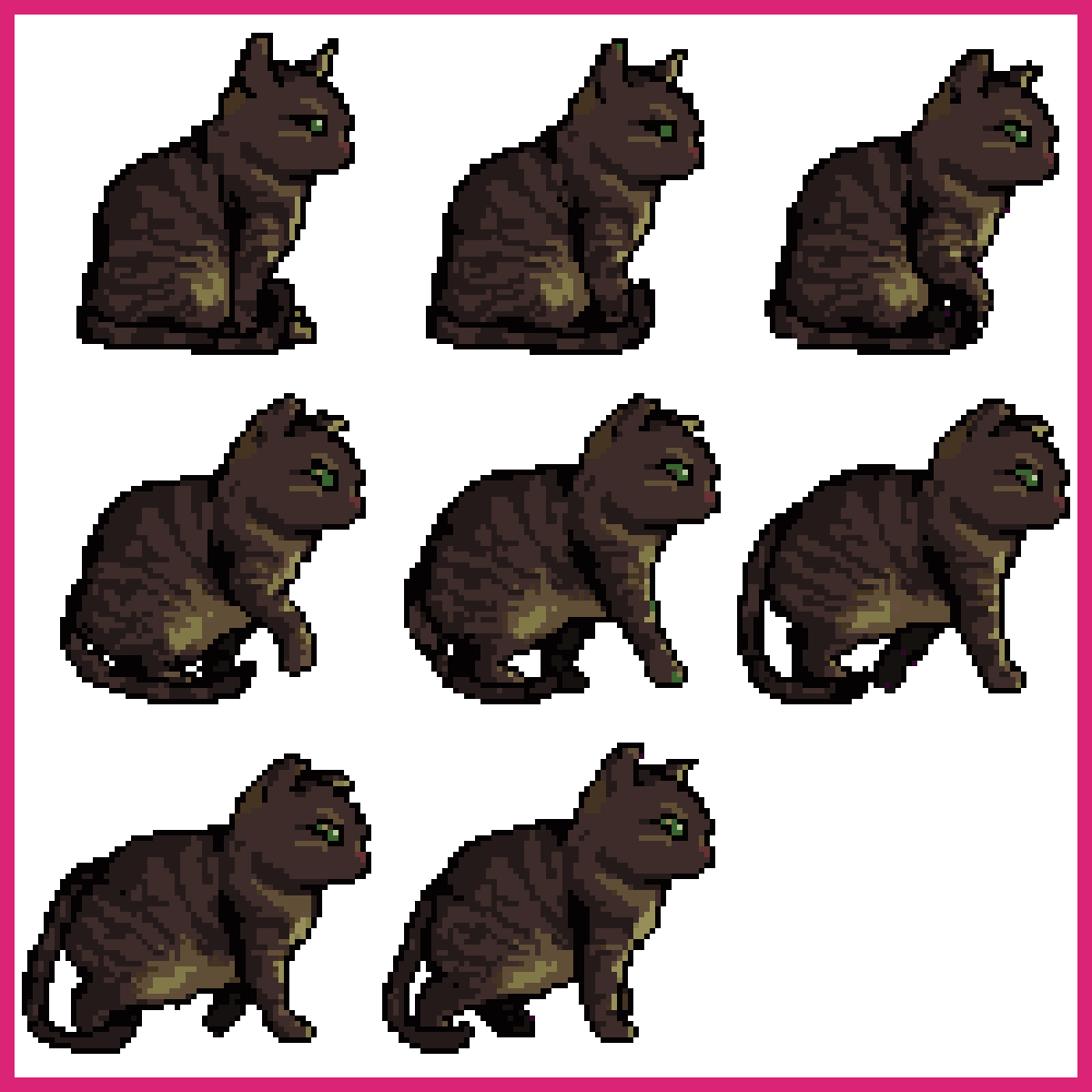
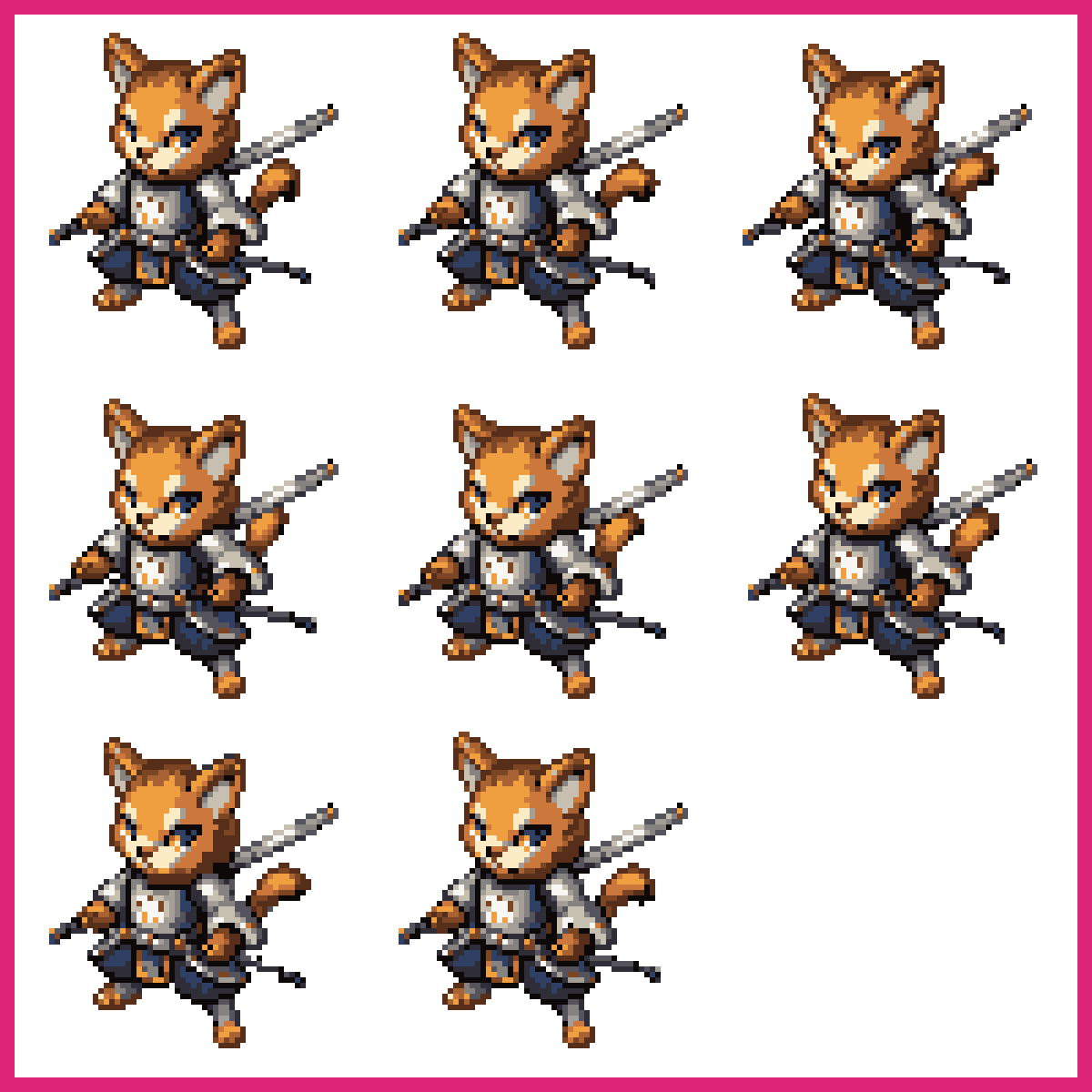
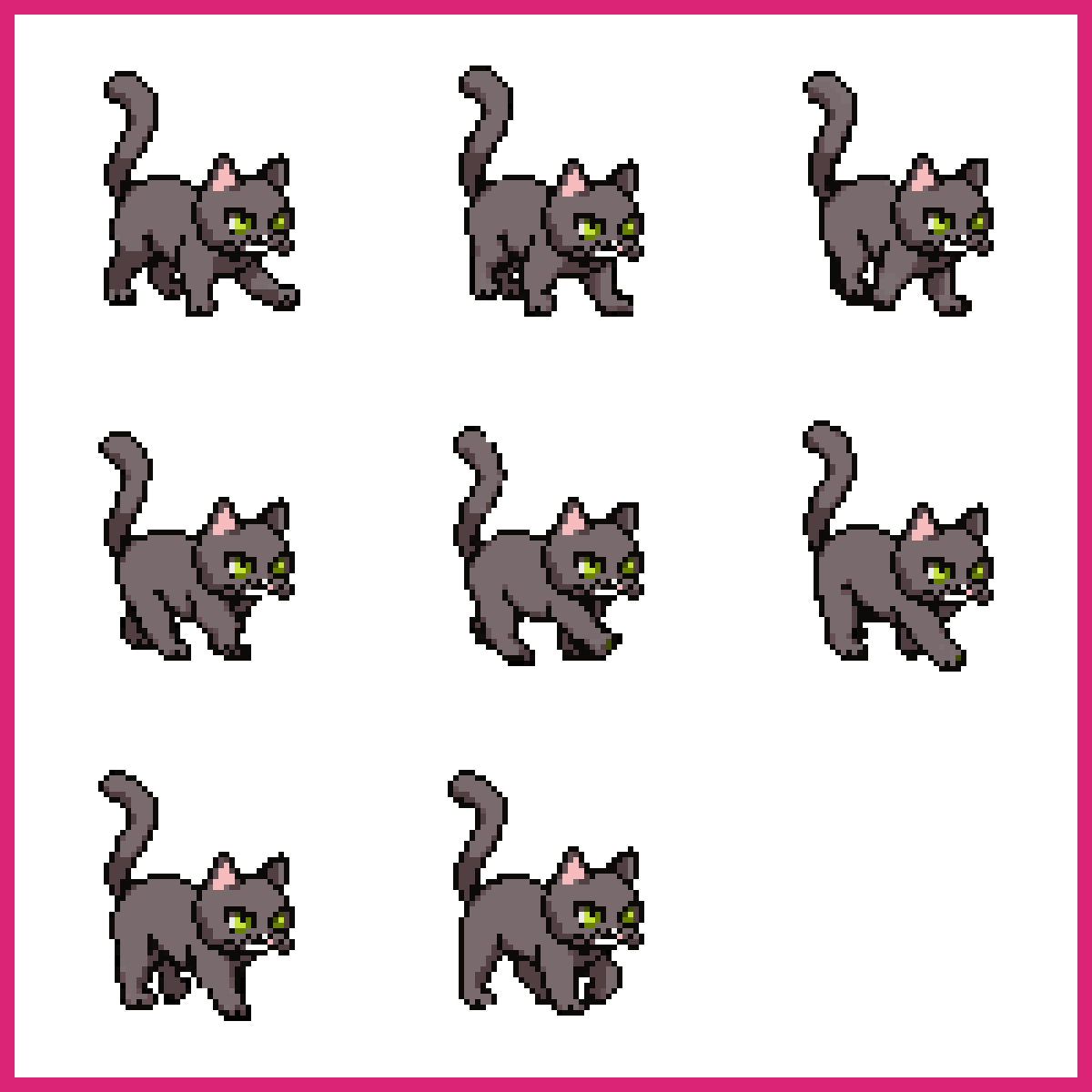
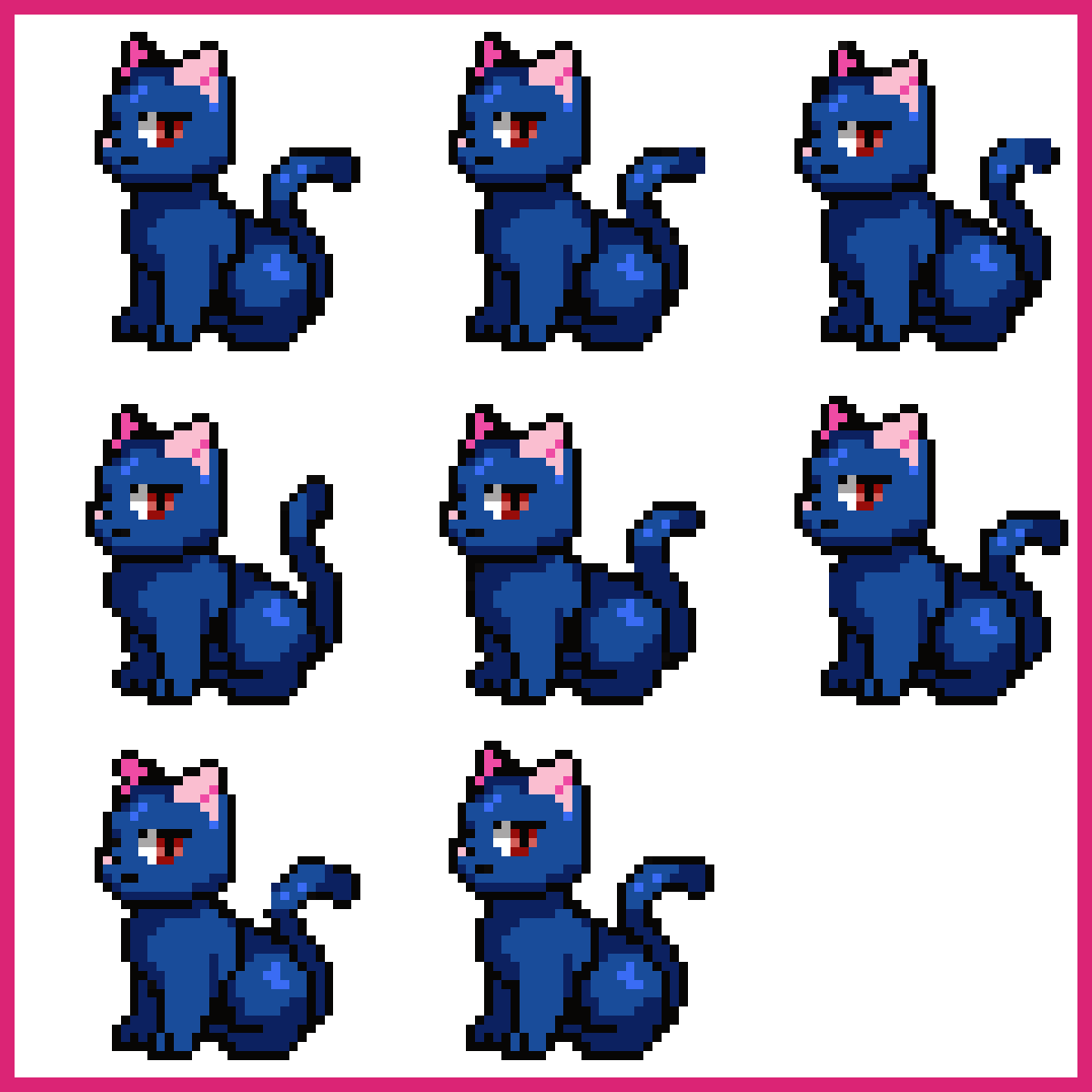
A cat is the standard test of whether you can suggest an animal with roughly forty pixels.
Everyone draws cats, which is exactly why it's a good exercise. The shape is so familiar that any error is obvious immediately. Two triangle ears, a rounded body, a tail that curls. Get the ear-to-head ratio wrong and it turns into a fox.
Try the same cat sitting, walking and sleeping. Three poses of one character is the smallest real animation set, and it forces you to keep the palette and proportions consistent across frames, which is the thing that actually separates a sprite from a drawing.
Pixel art trees
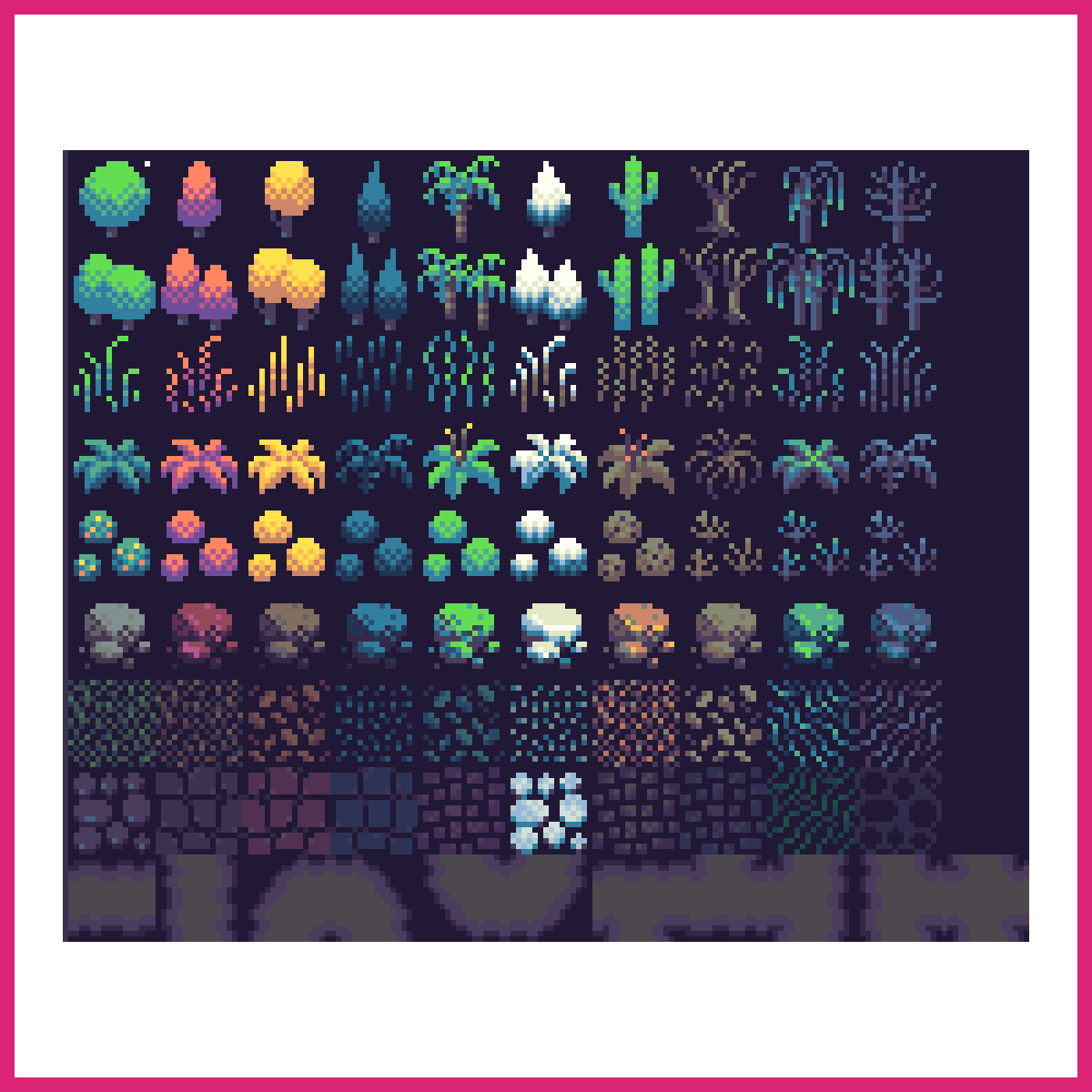
Trees are where you stop drawing objects and start drawing texture, because foliage is a pattern rather than a shape.
Don't draw leaves. Draw clumps. A pine is a stack of three or four dark-edged wedges, an oak is two or three overlapping blobs with a bite taken out of the bottom of each. Individual leaves at this resolution turn into noise.
Three greens is the sweet spot. A dark for the underside, a mid for the mass, a light for the top-left where the sun hits. Add a fourth and the canopy starts to look muddy at any size under 64px.
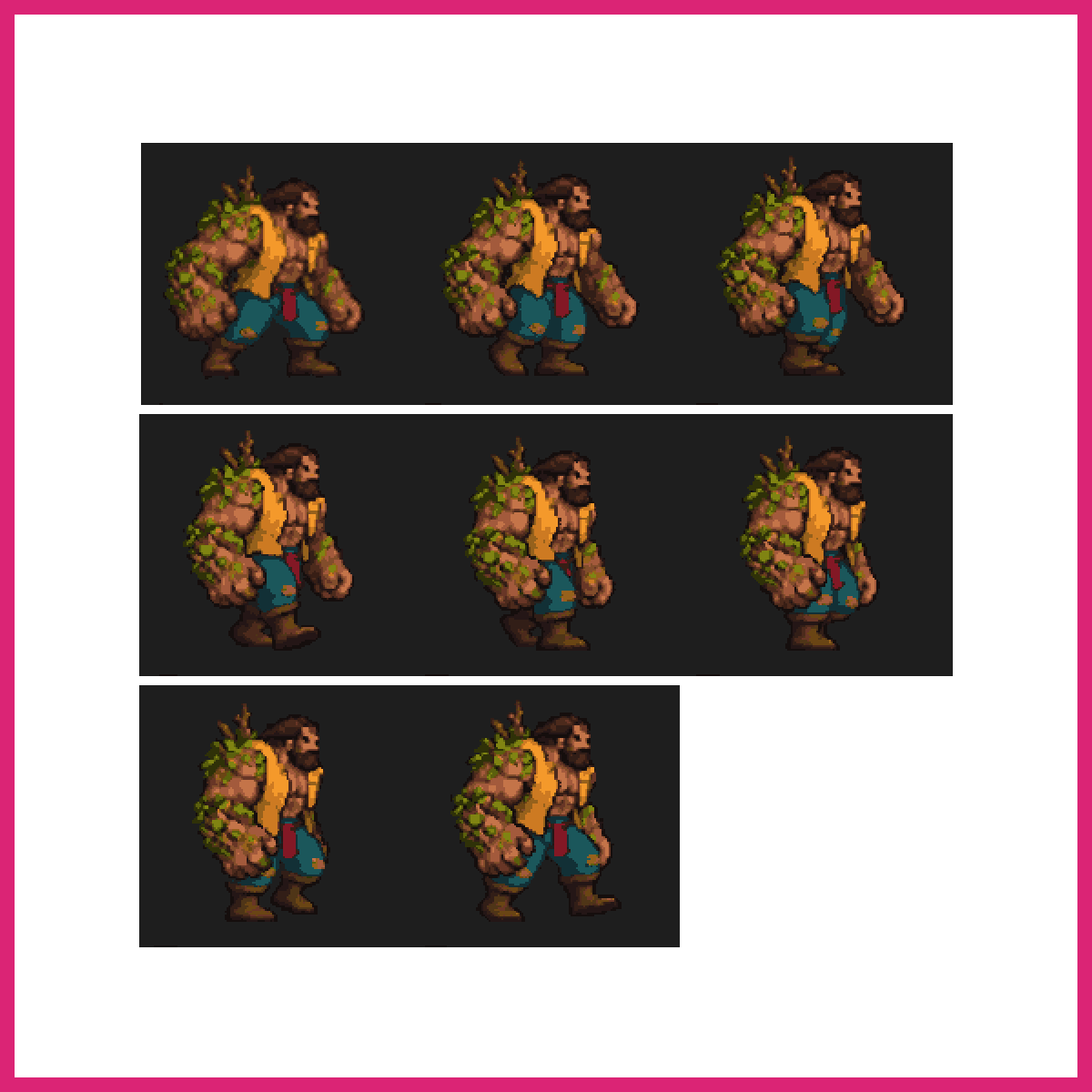
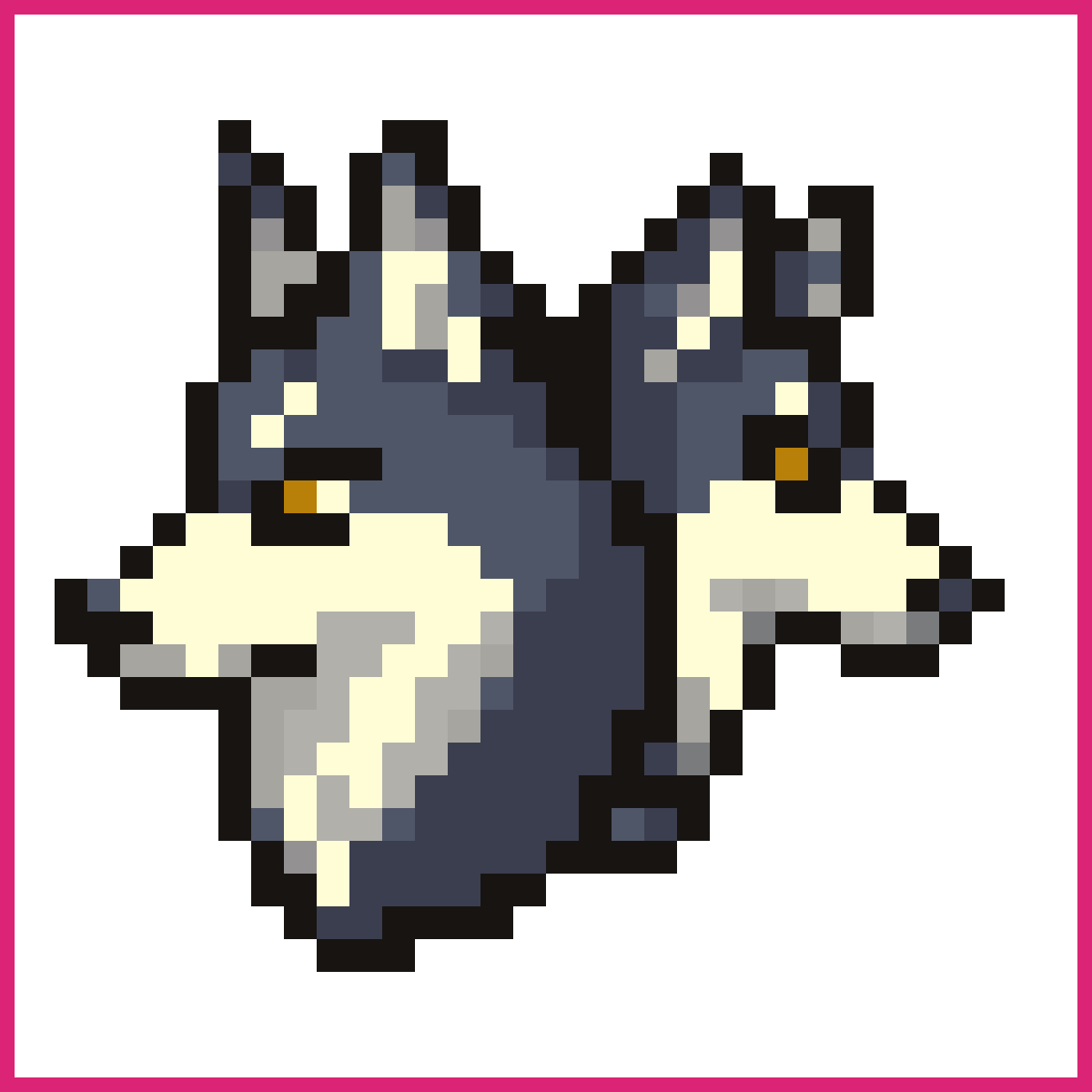
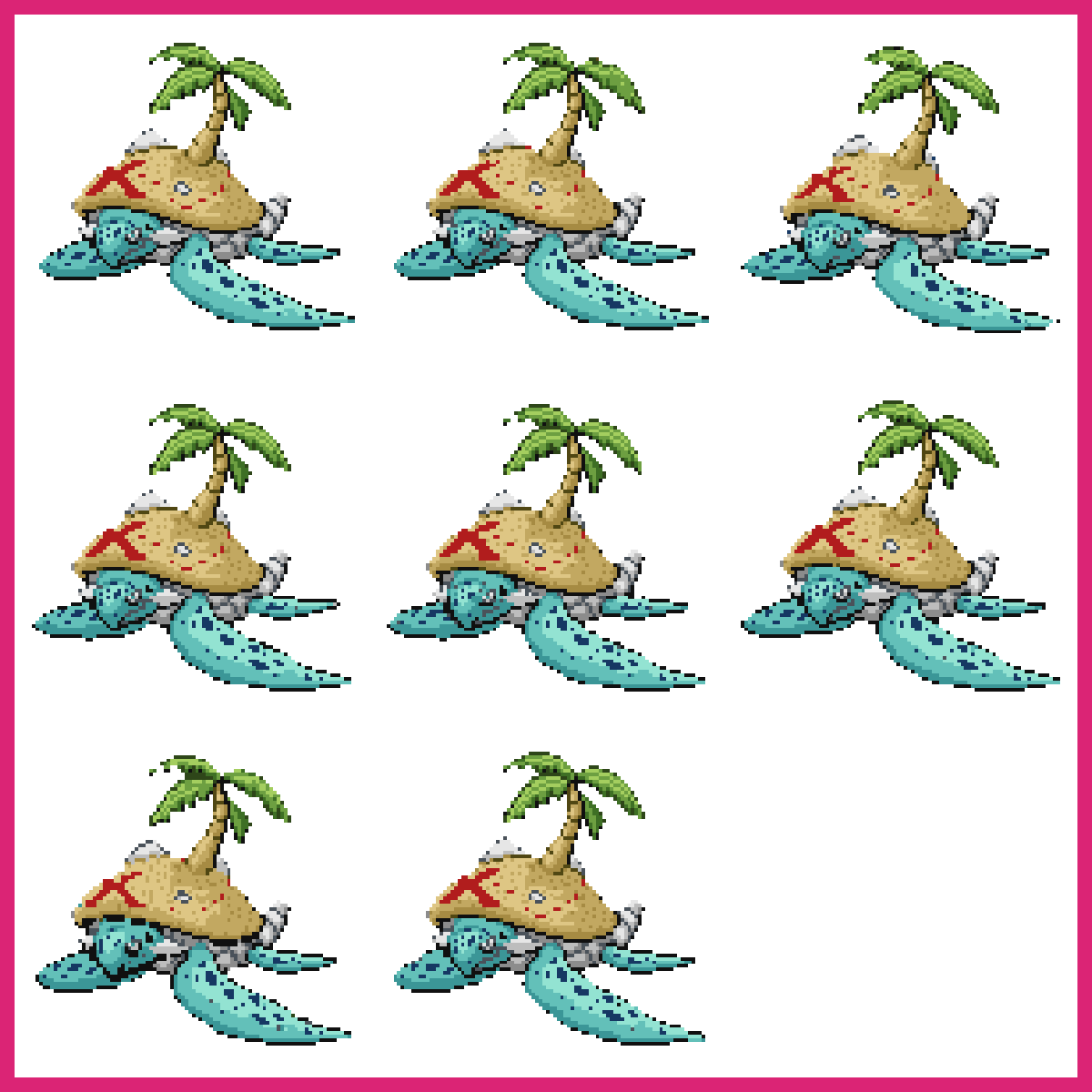
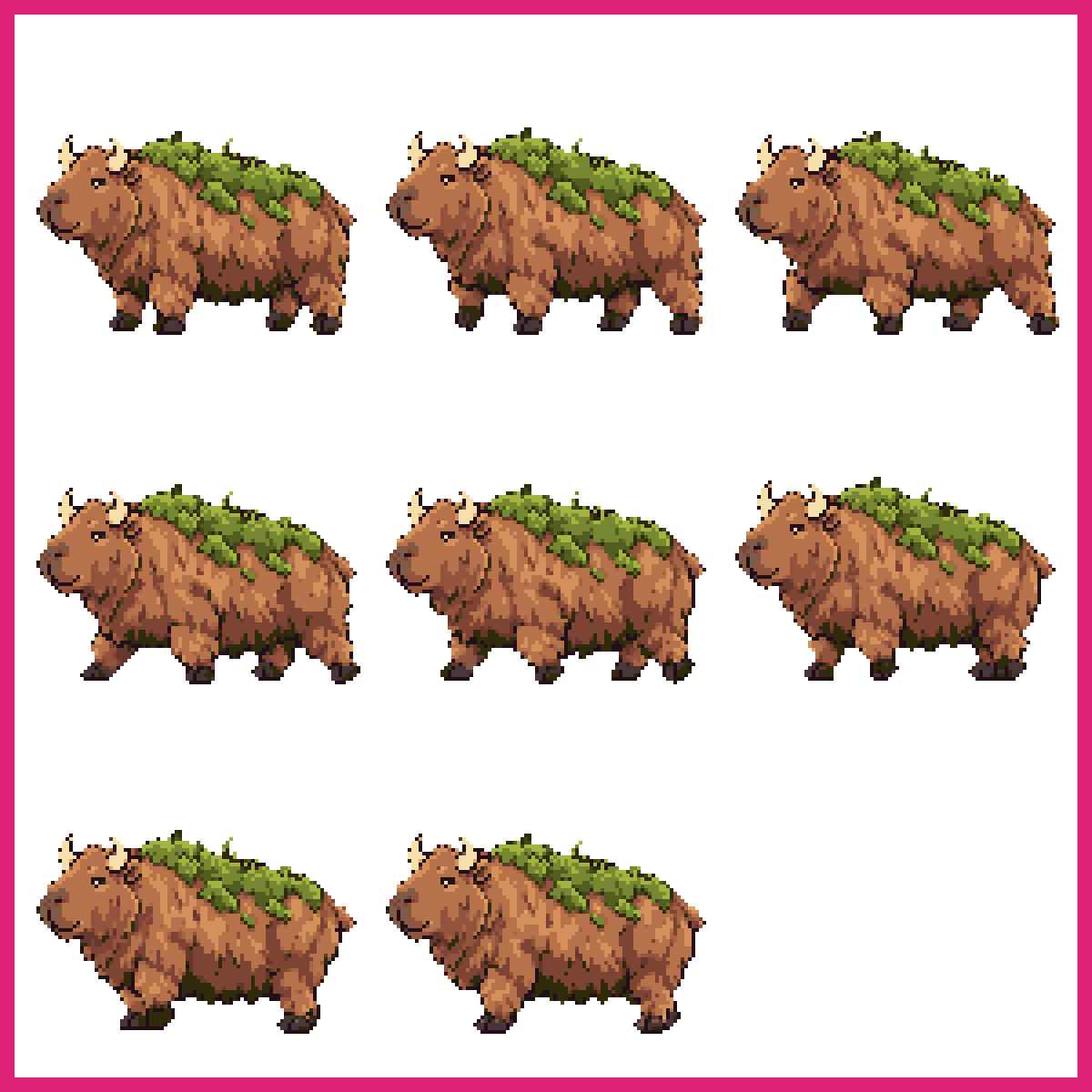
Pixel art animals
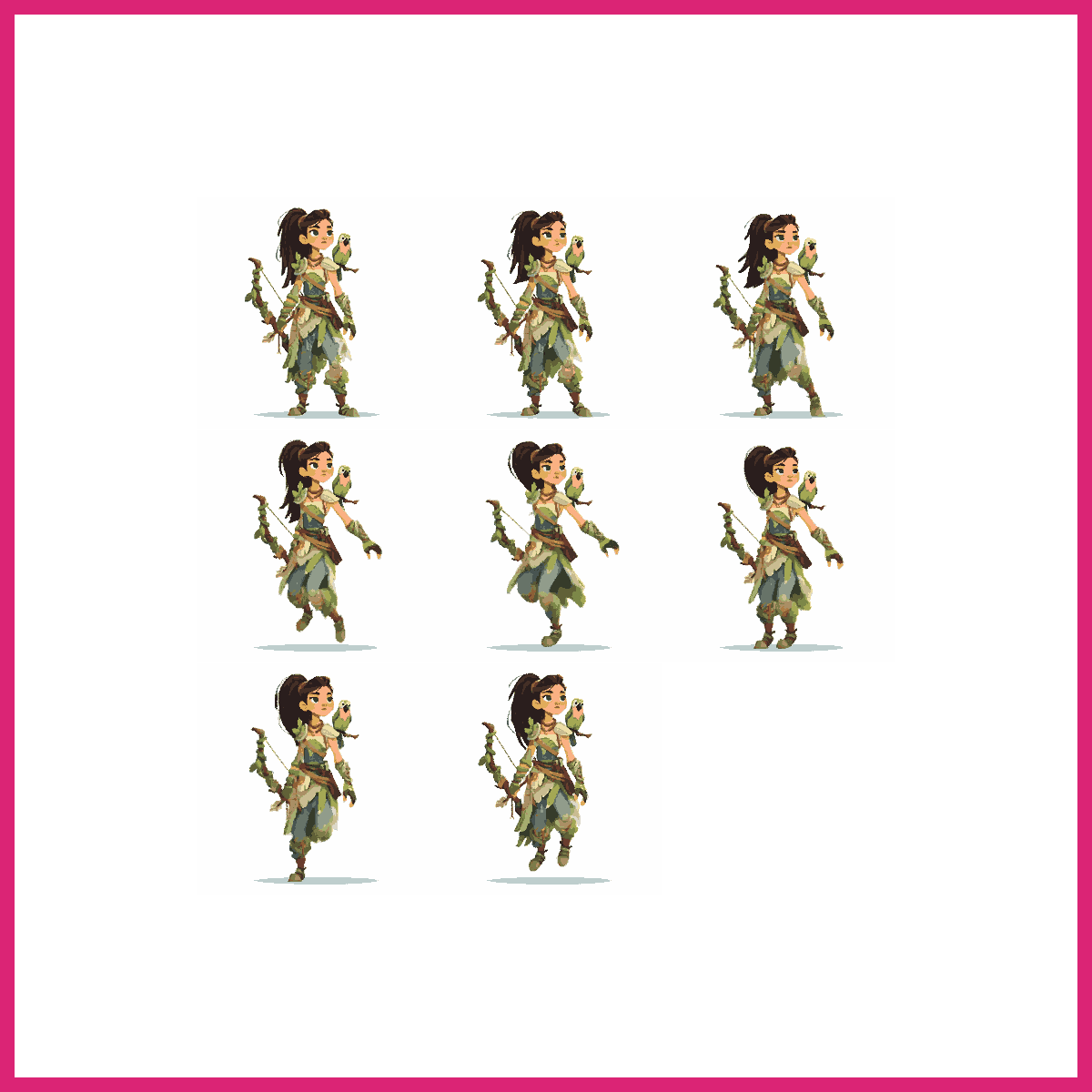
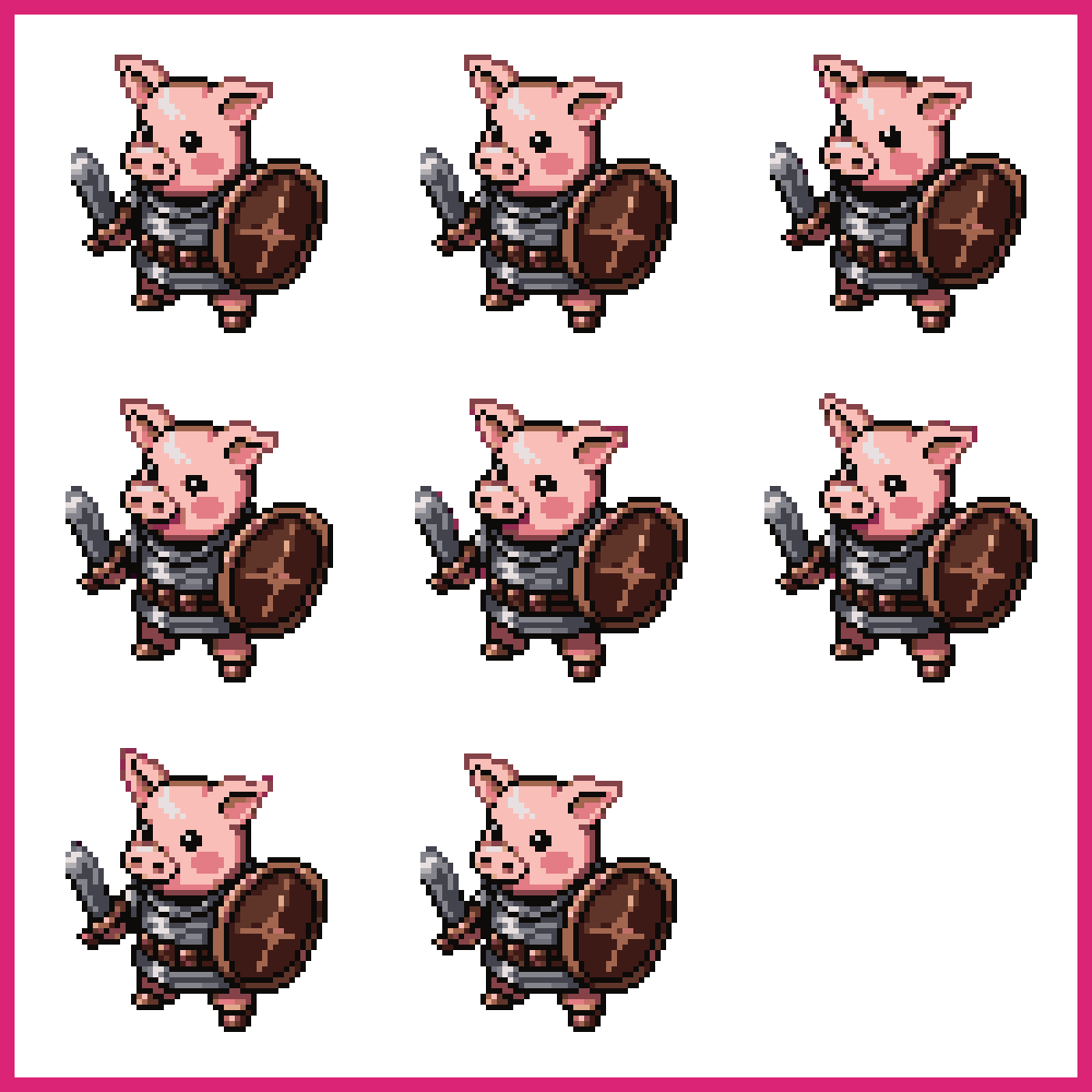
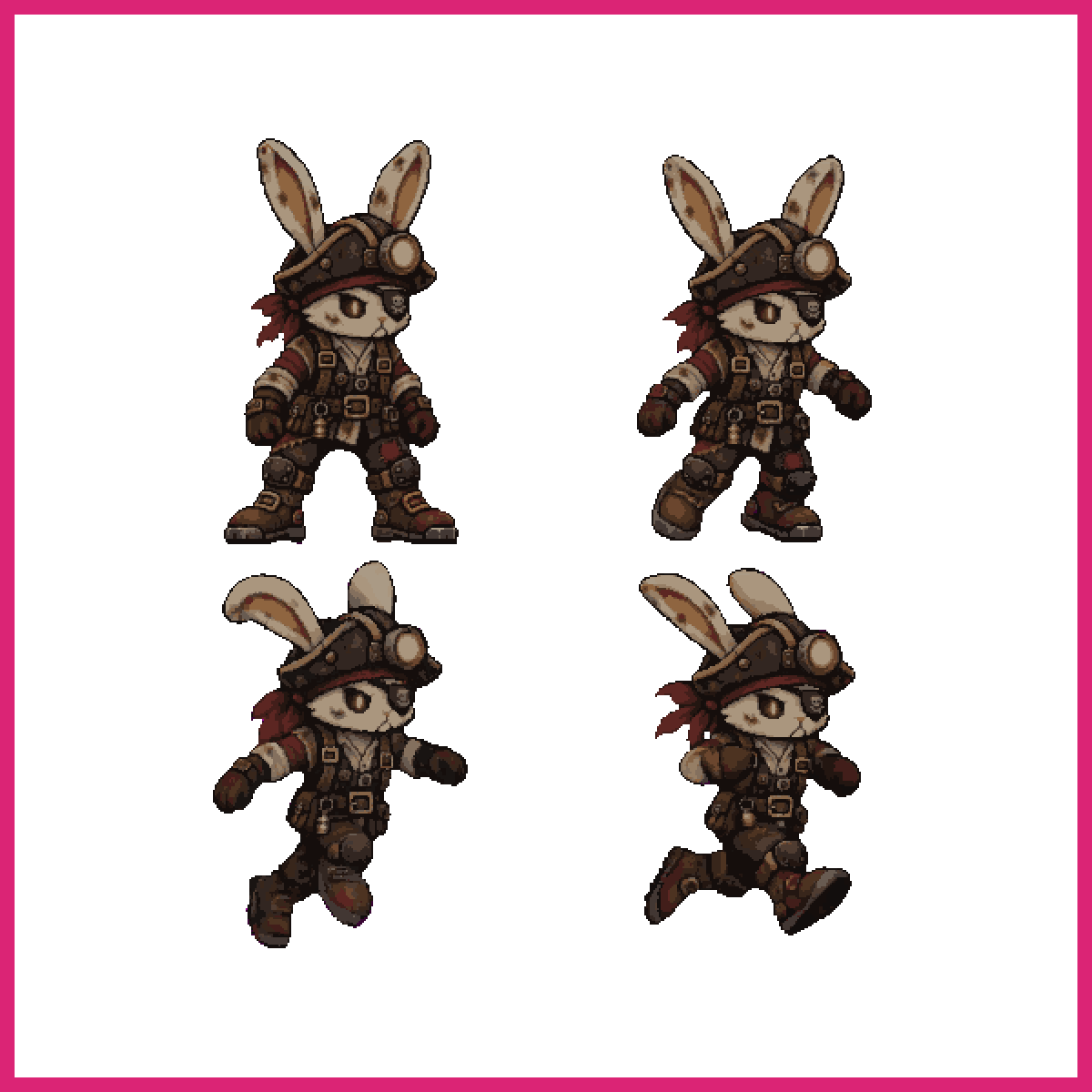
Animals are the natural step up from cats because each one forces a different silhouette problem.
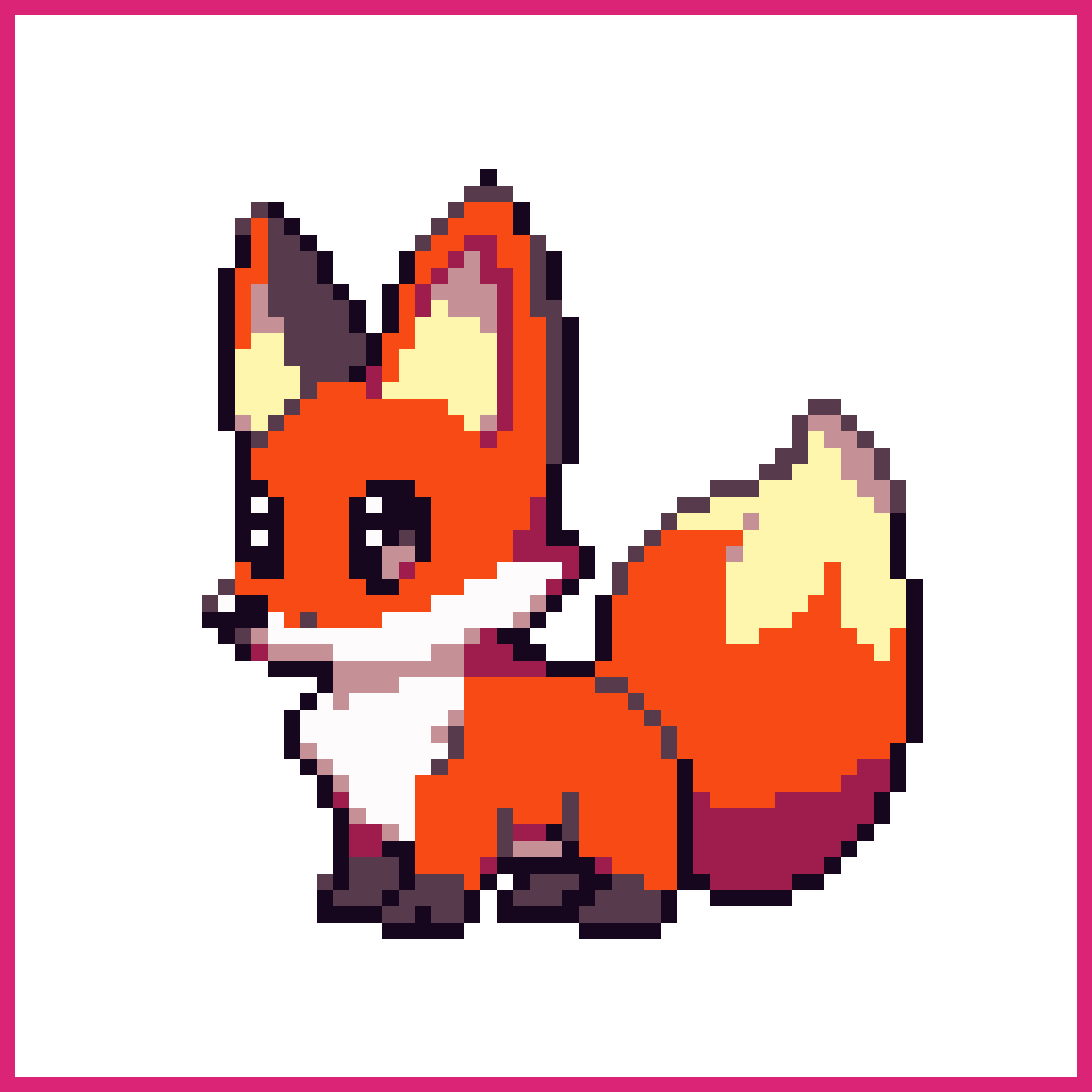
A fox is a cat with a longer snout and a bigger tail. A bear is a mass with almost no neck. A bird is mostly beak and stance. Working through a set of them in one sitting, at one size, is the fastest way to learn how much of a creature lives in its outline.
Pick 32x32 for this. It's small enough to force decisions and big enough that a wolf and a dog end up looking different, which at 16x16 they mostly won't.

Building pixel art
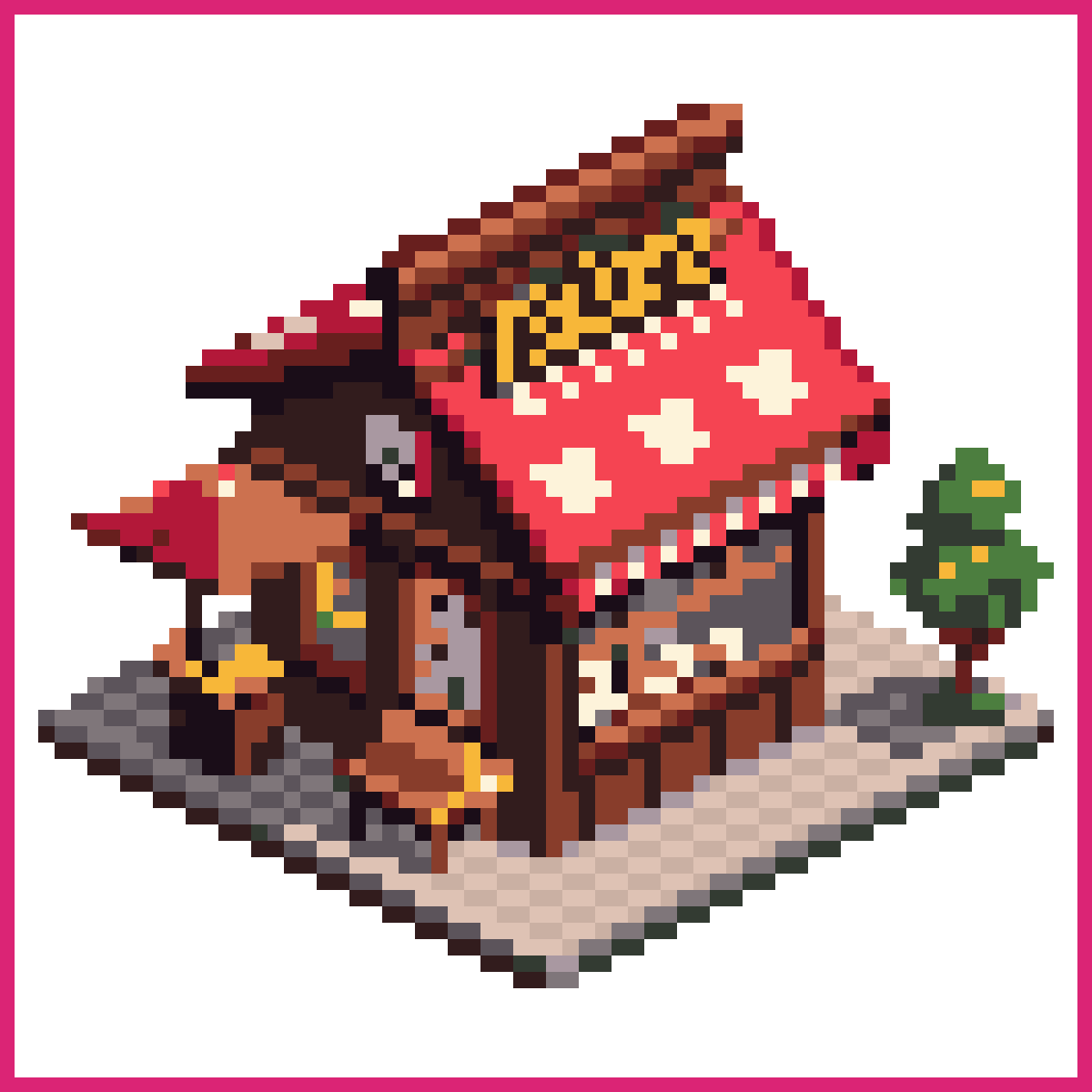
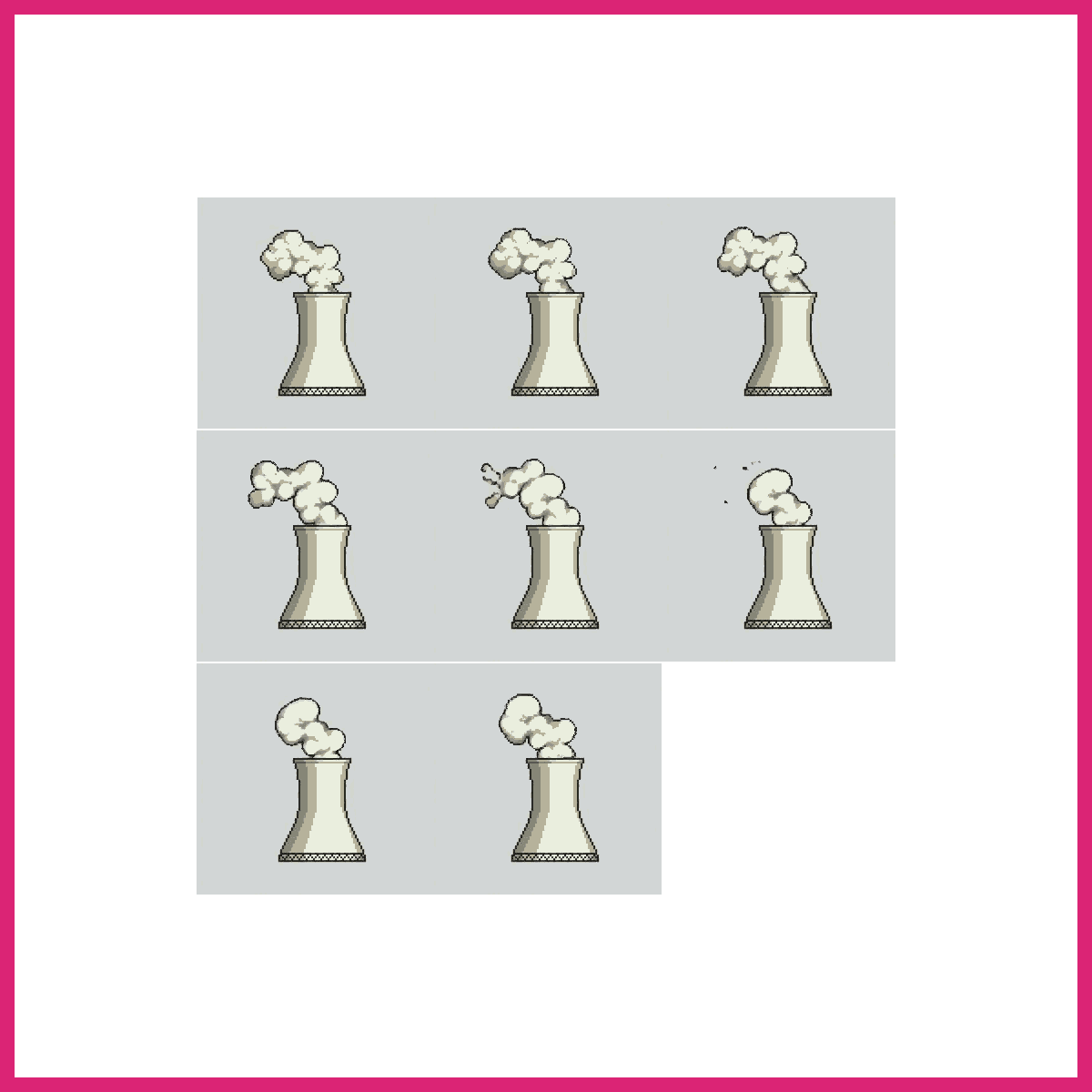
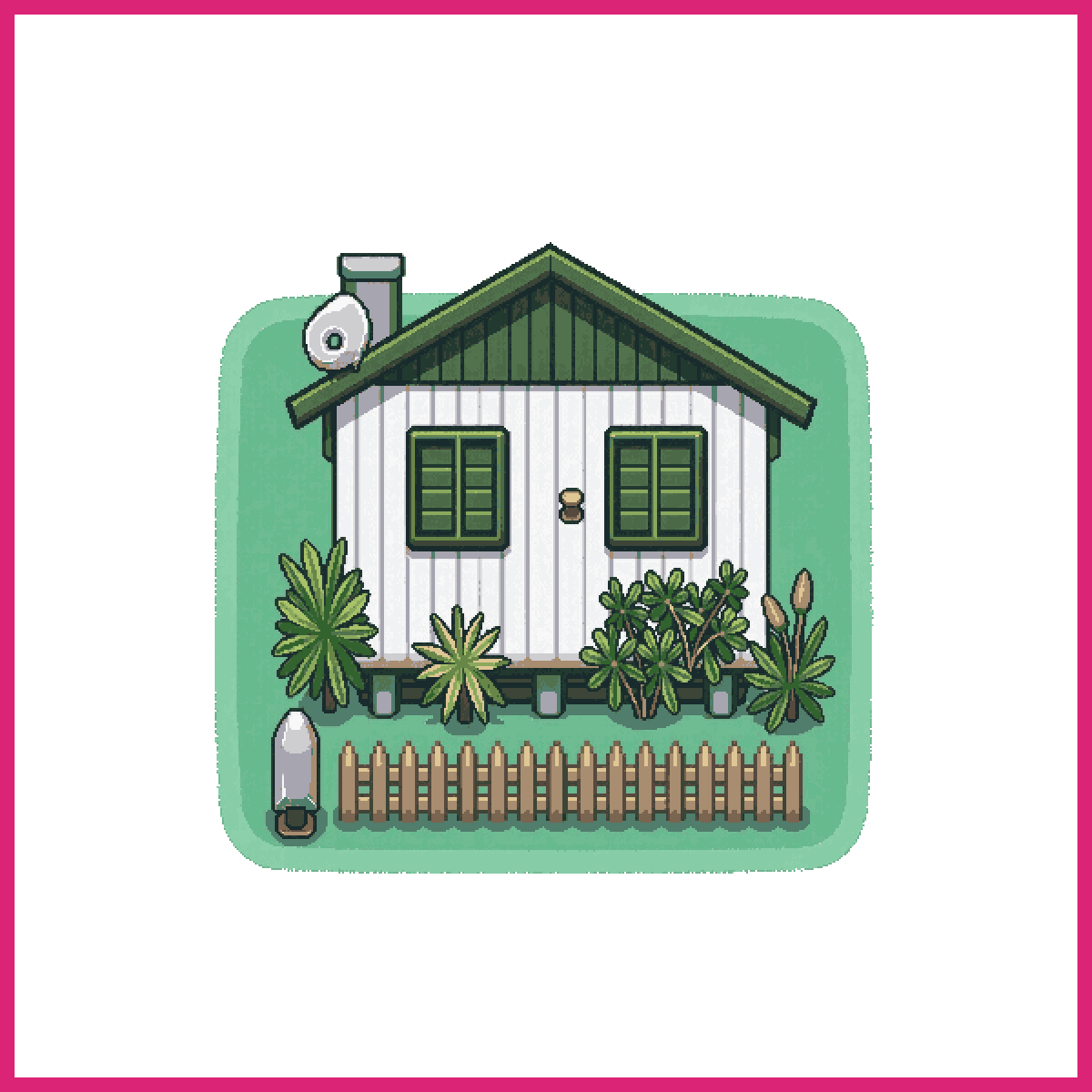
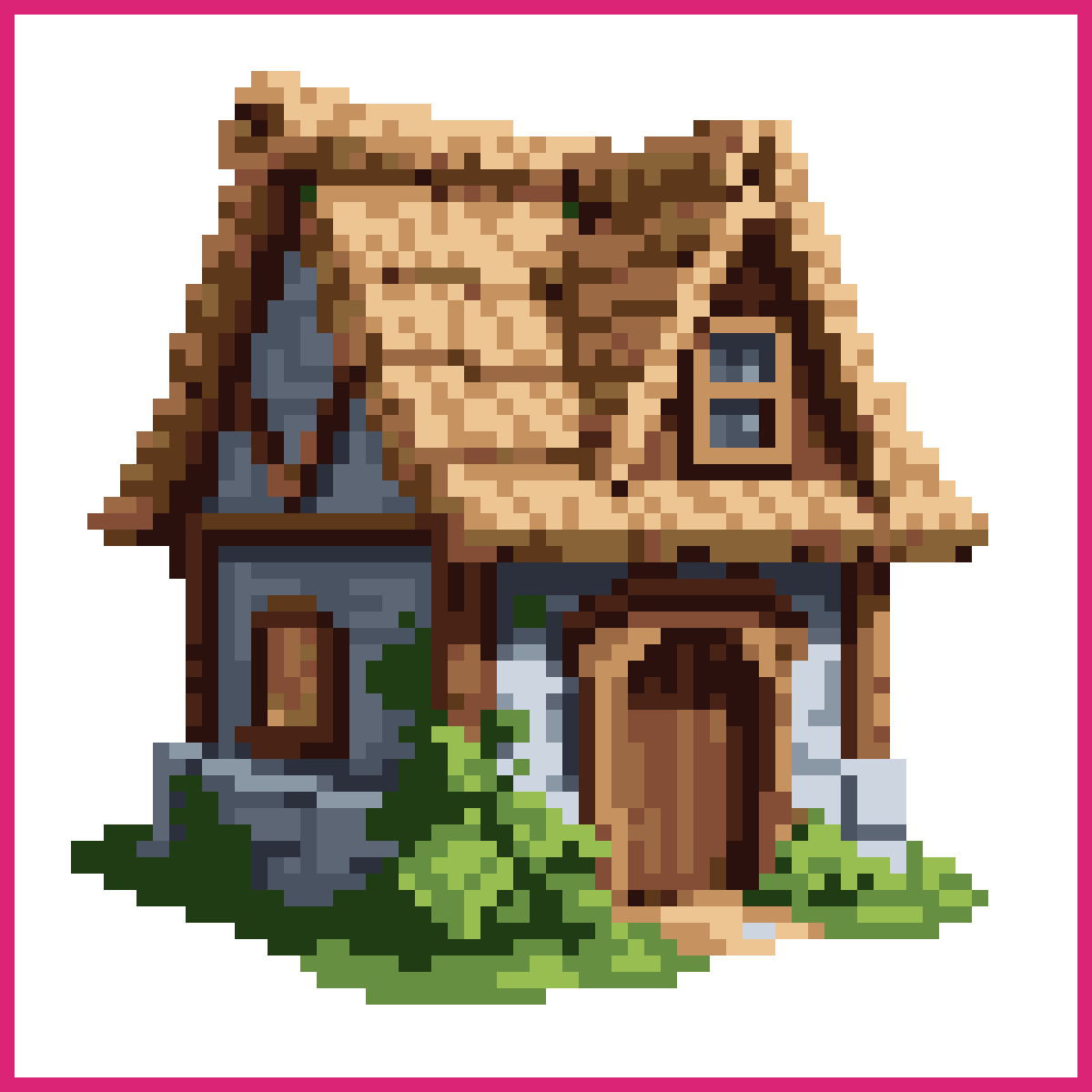
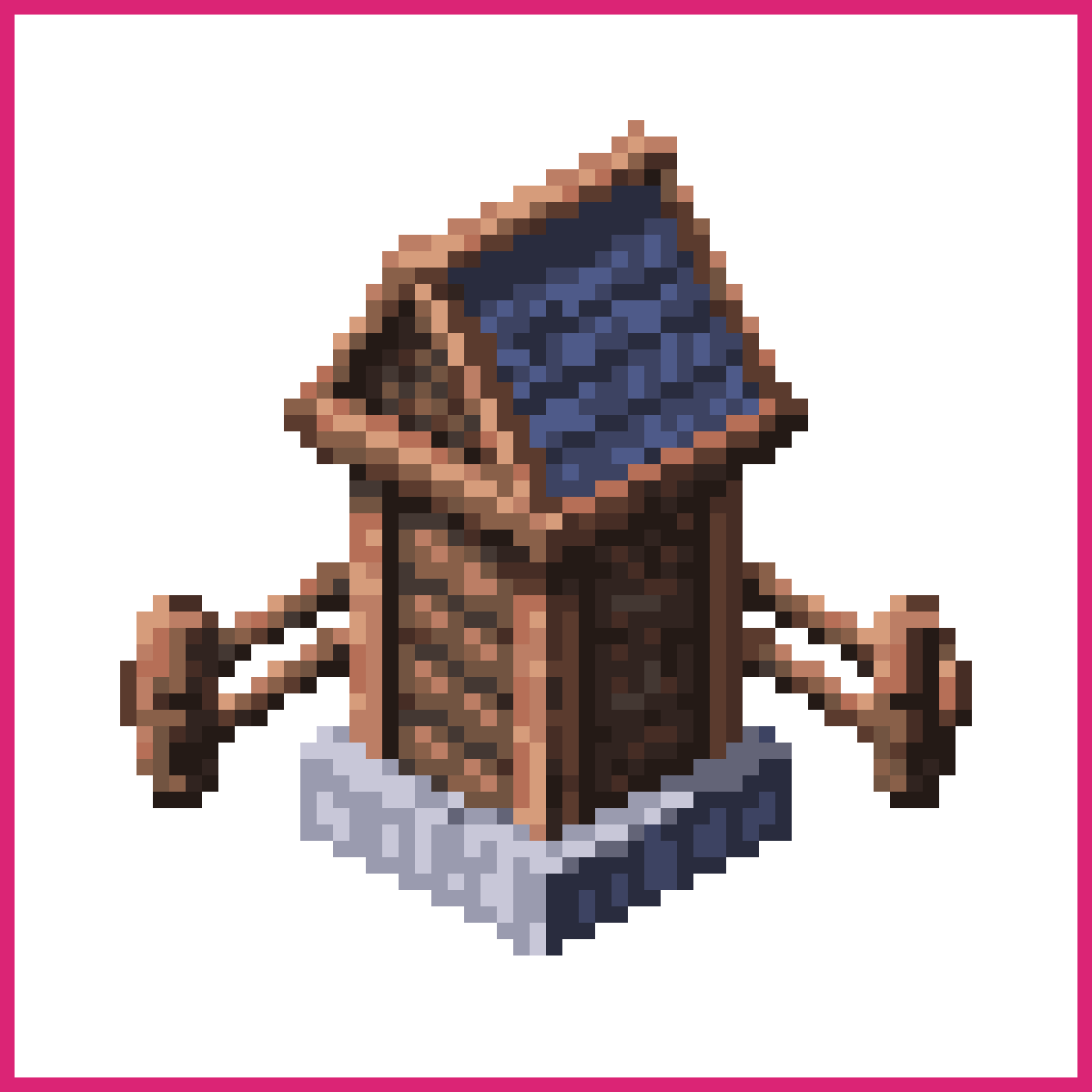
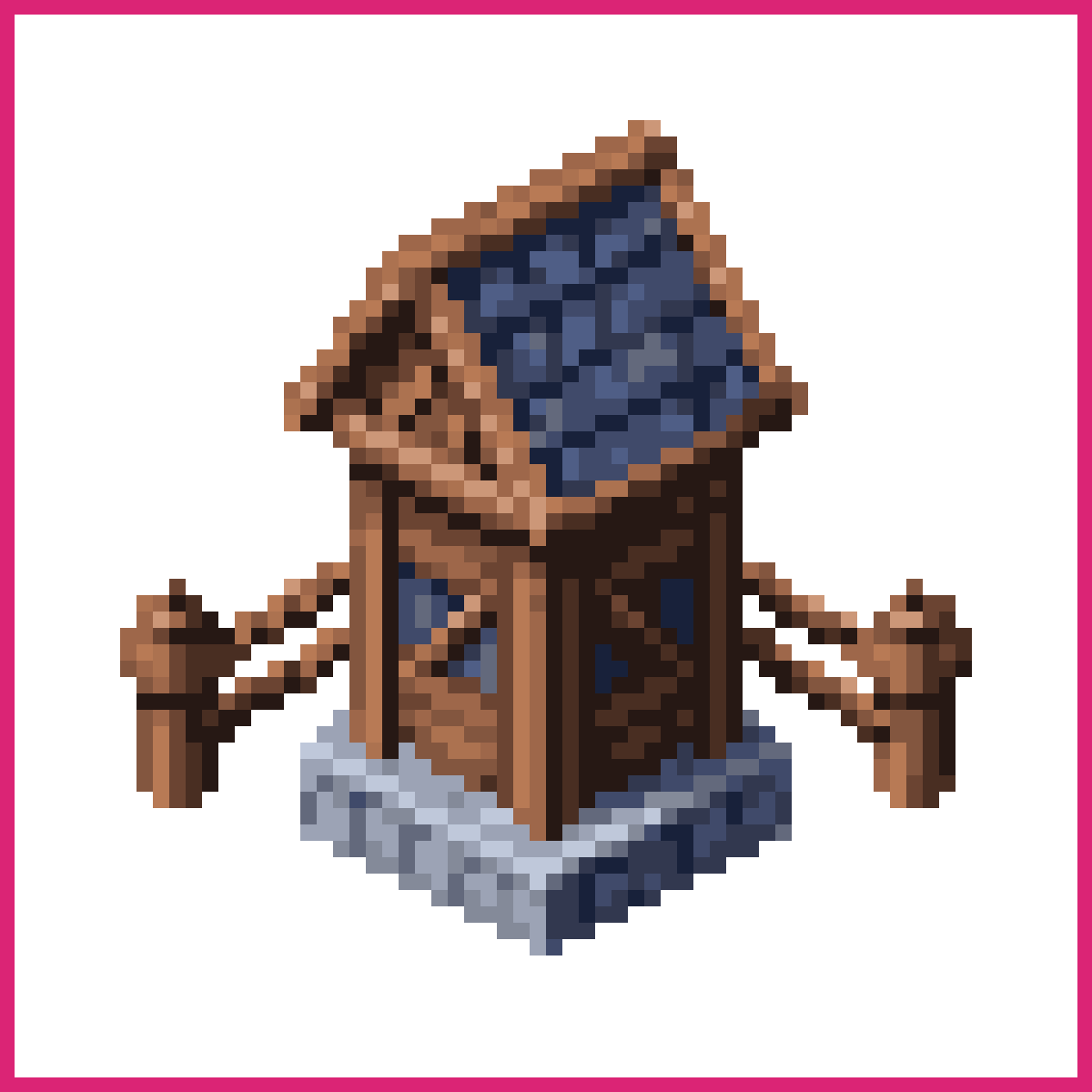
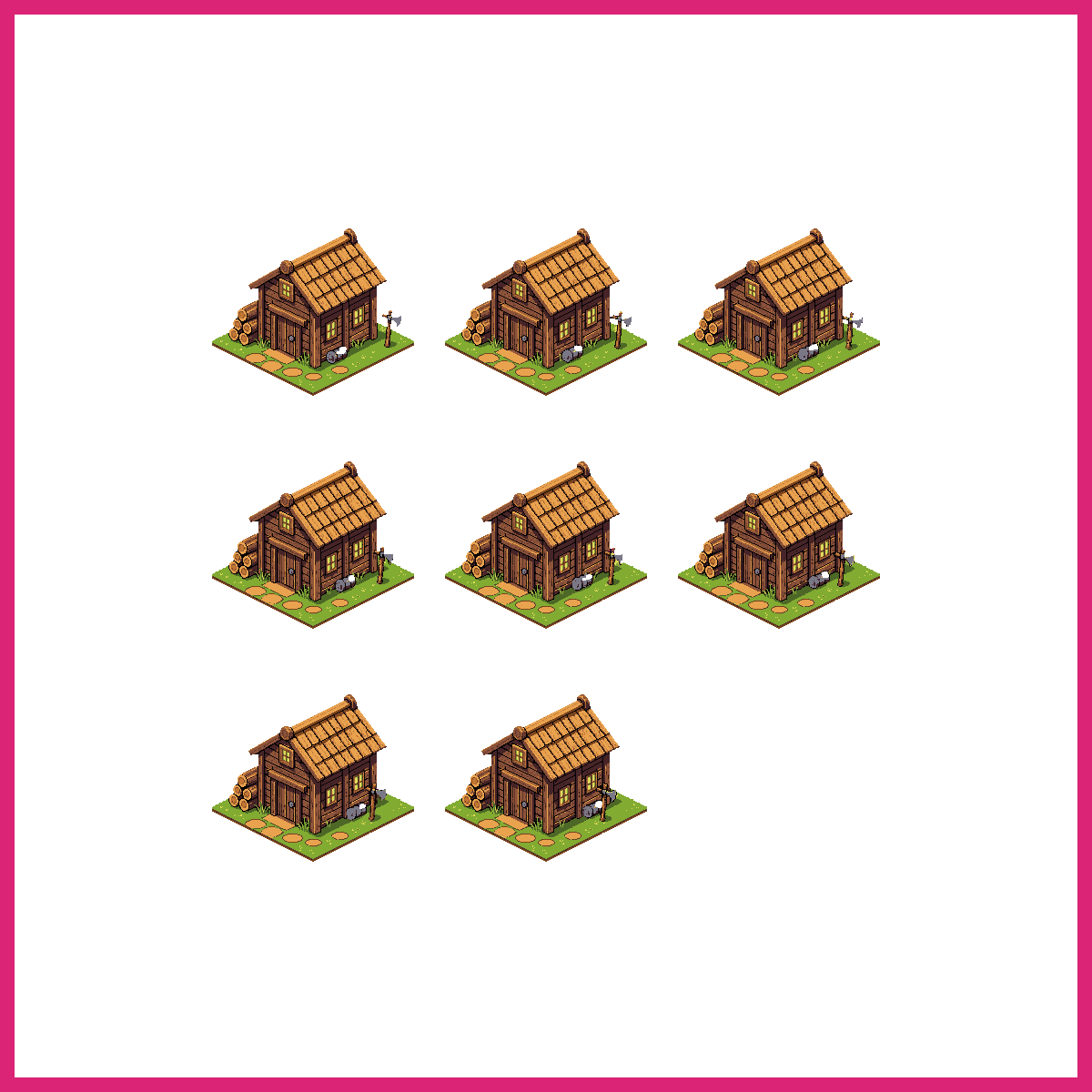
Buildings are the first subject that needs a decision about perspective before you place a single pixel.
Pick one and commit. Straight-on side view for a platformer, three-quarter top-down for an RPG town, or true isometric on a 2:1 pixel ratio. Mixing them across a set is the most common thing that makes an otherwise decent town look wrong, and it cannot be fixed by shading afterwards.
A house, a shop and a tower sharing one roof angle and one wall colour will read as a village. The same three drawn beautifully but independently won't.
Dragon pixel art
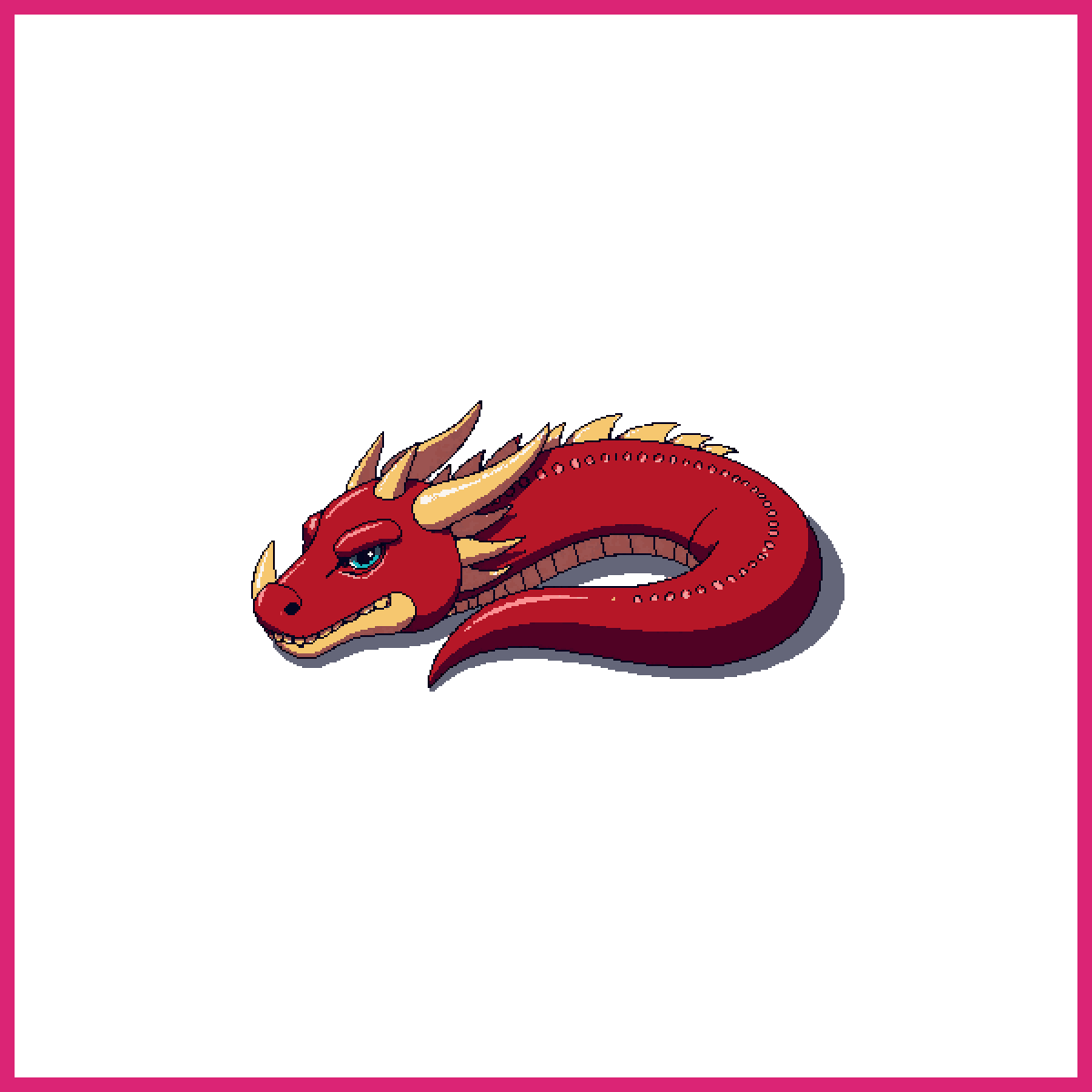
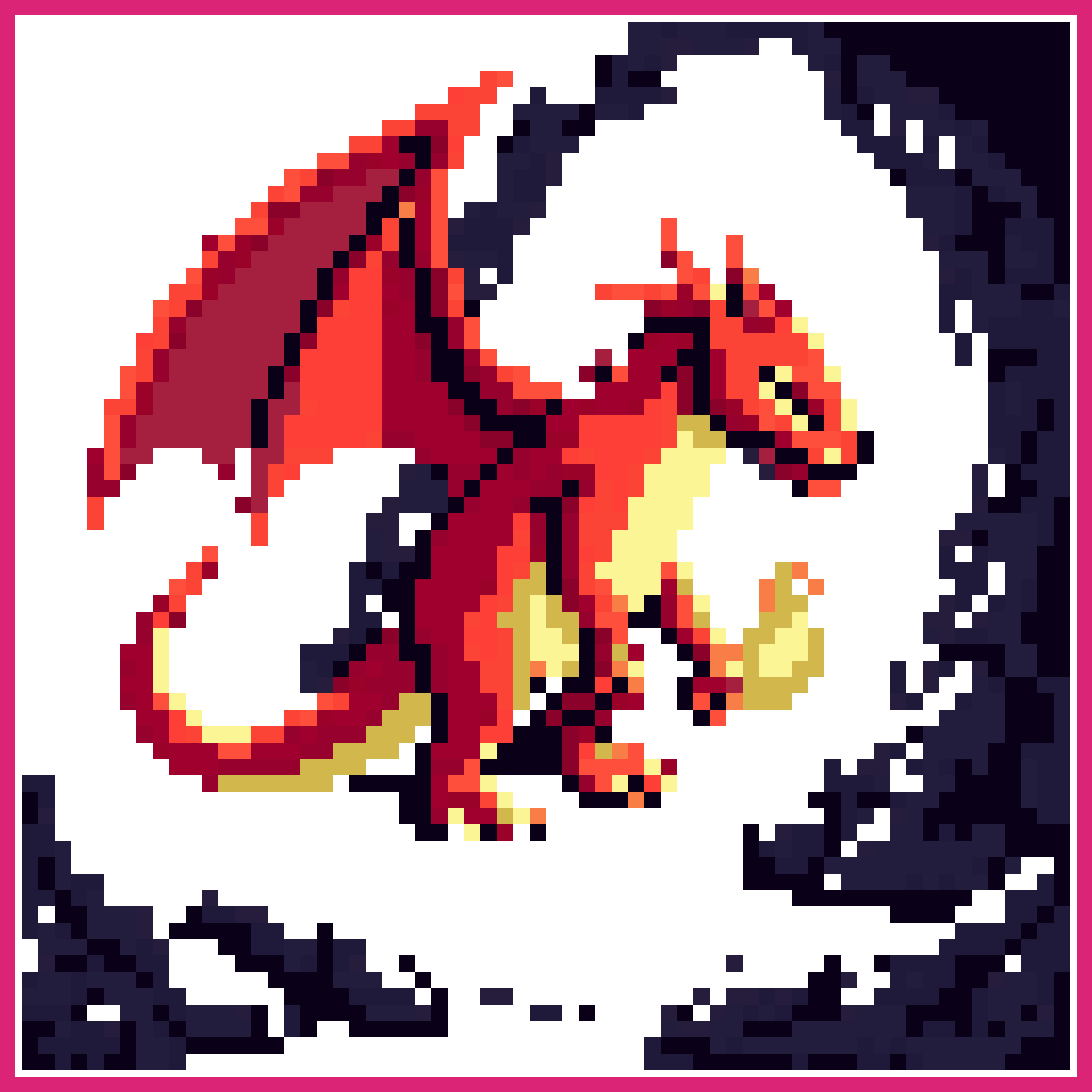
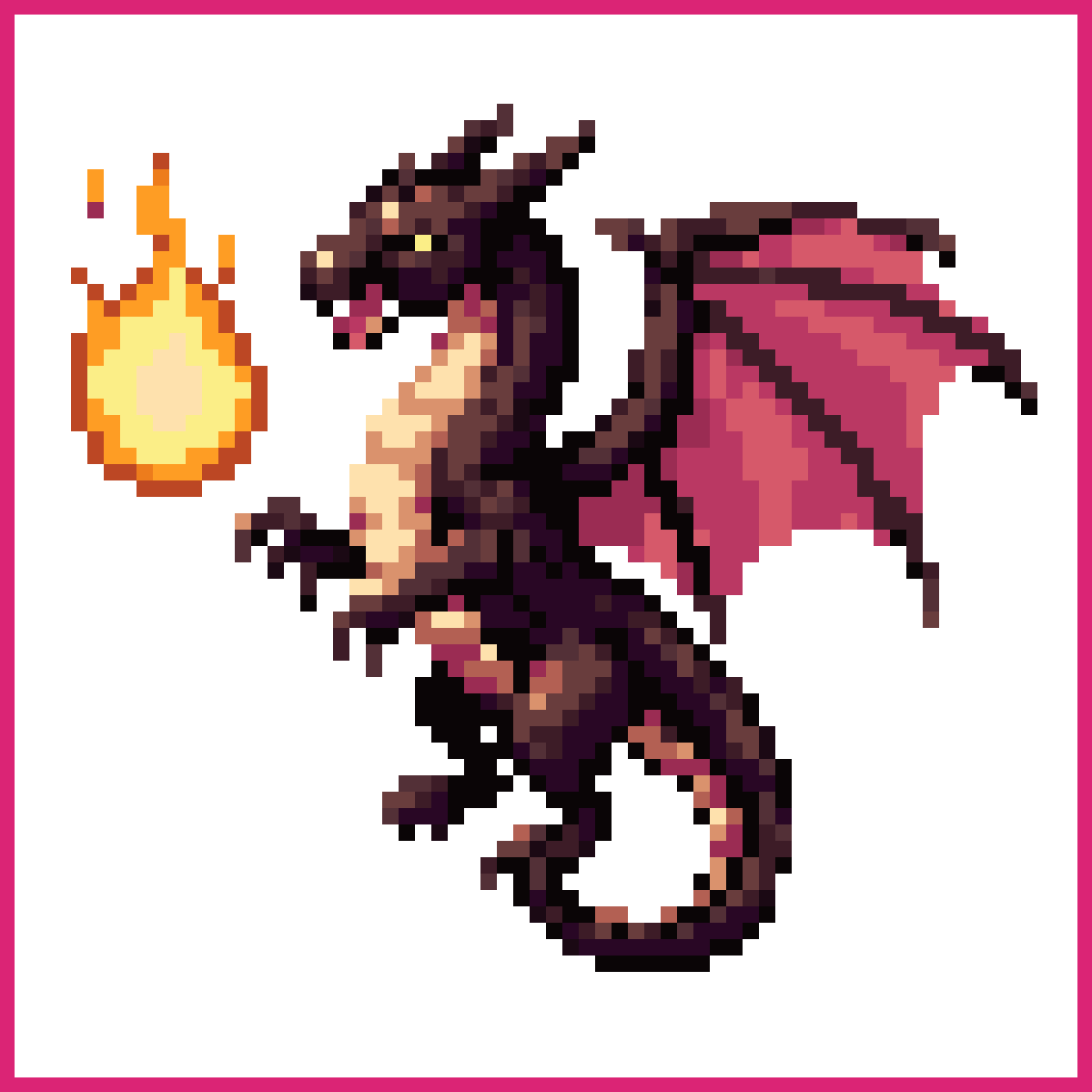
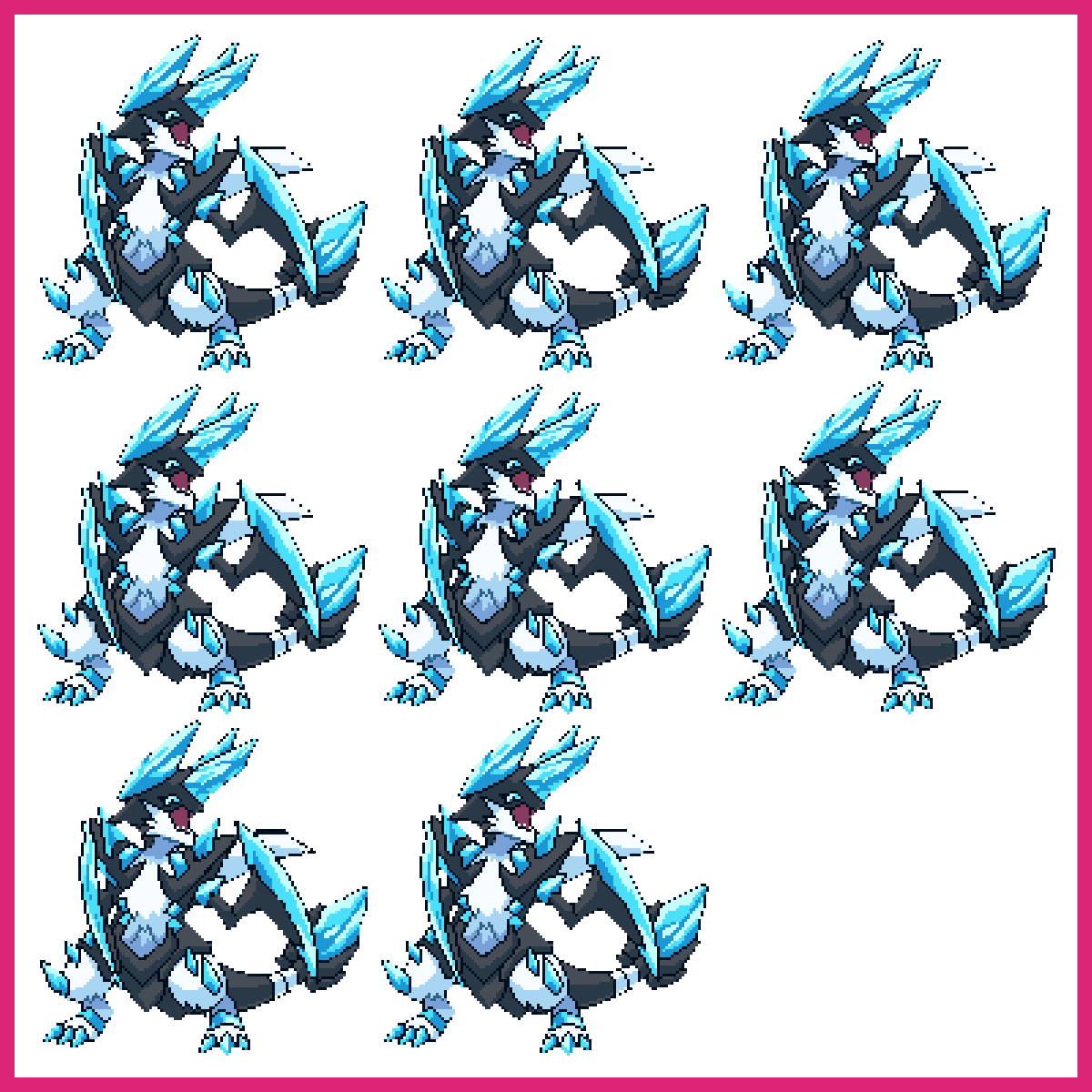
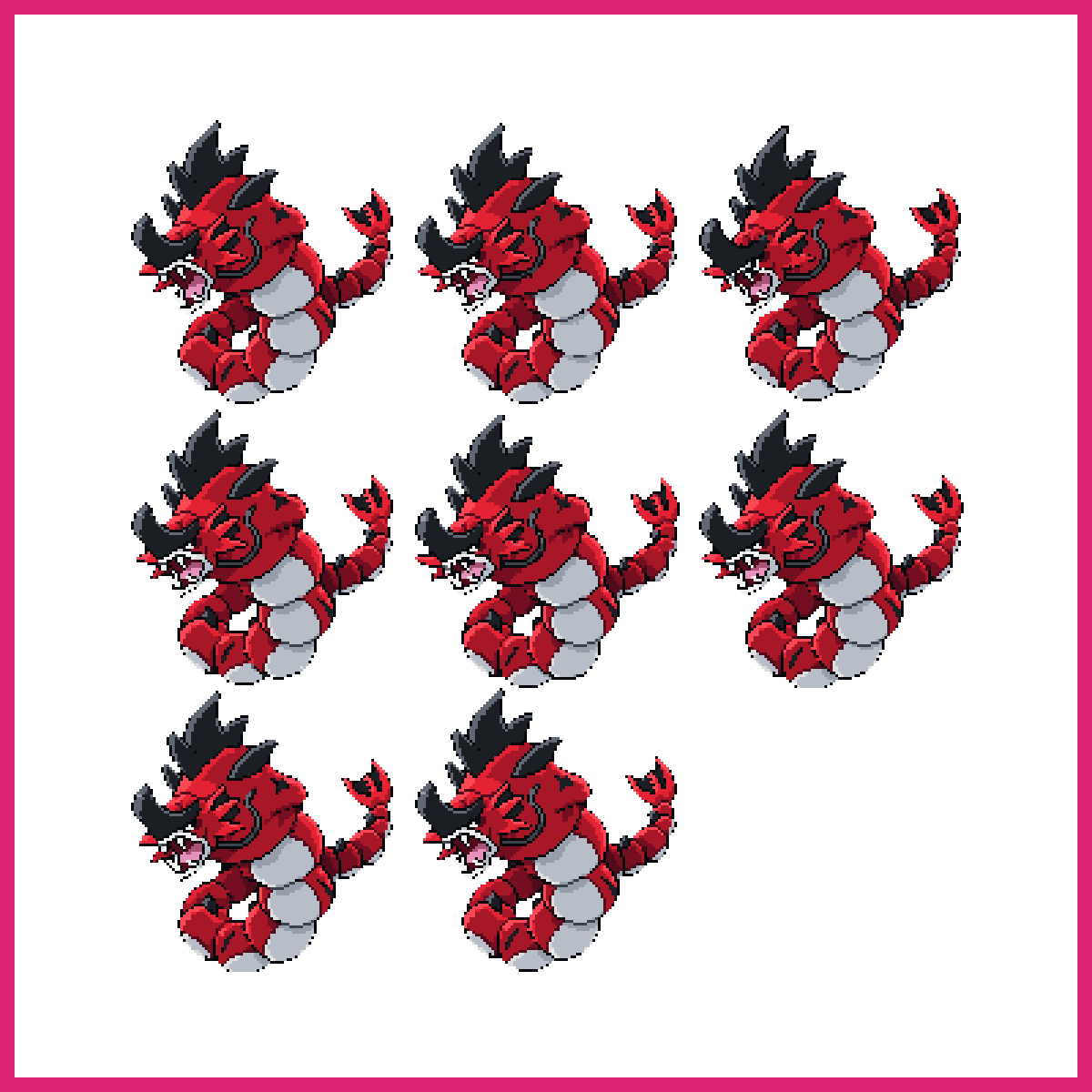
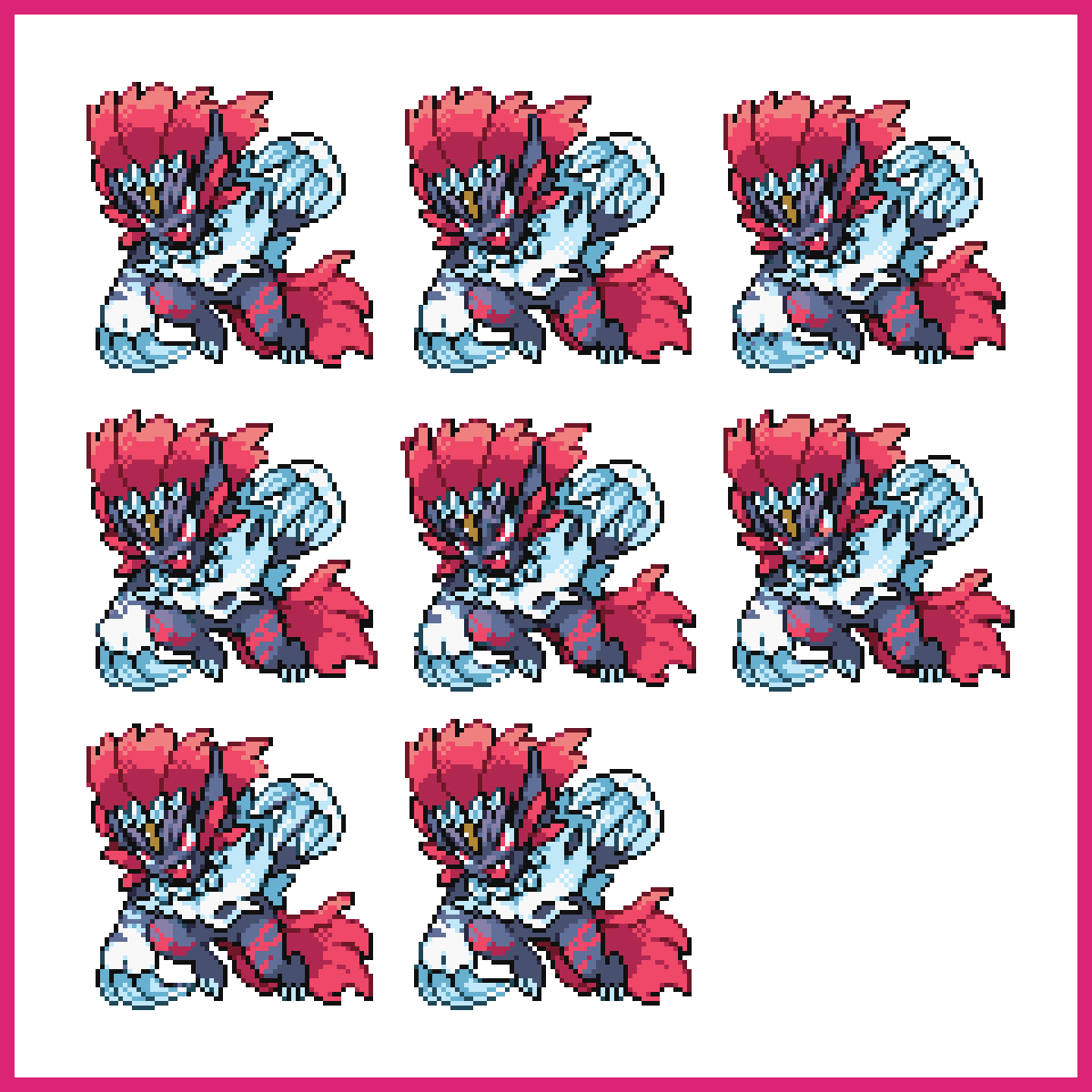
A dragon is the hardest idea on this page and the right one to finish on, because it combines silhouette, texture and pose at once.
Wings are the trap. They want more space than you expect, and folded wings are far easier to make readable than spread ones at anything under 64x64. Draw it perched before you draw it flying.
Give yourself 64x64 or 128x128 here. This is the one subject on the page where going small doesn't simplify the problem, it just removes your ability to solve it.
FAQ
Start with a heart at 8x8, then food items at 32x32. Both give you a readable result in one sitting and teach shading and silhouette, which every other subject depends on.
32x32 is the standard for game sprites and the best size to practise at. Use 16x16 for icons and tiles, and 64x64 or larger when a subject needs real detail, like a dragon or a boss.
Four to six colors per sprite, plus a shared outline color across the set. Tight palettes are what make pixel art read cleanly at small sizes, and they make a group of sprites look like one game.
A pixel heart. It works at 8x8, needs three colors, and the shape is symmetrical, so a mistake on one side is obvious against the other.
No. You can describe a sprite and generate it, then open the result in the Pixel editor and change it pixel by pixel. Every sprite on this page was generated and is editable in the browser.
Yes. Every sprite in the gallery downloads as a PNG with a transparent background, ready for Unity, Godot, or GameMaker.